Game shows for parties, weddings and quiz nights
Turn any party into a game show
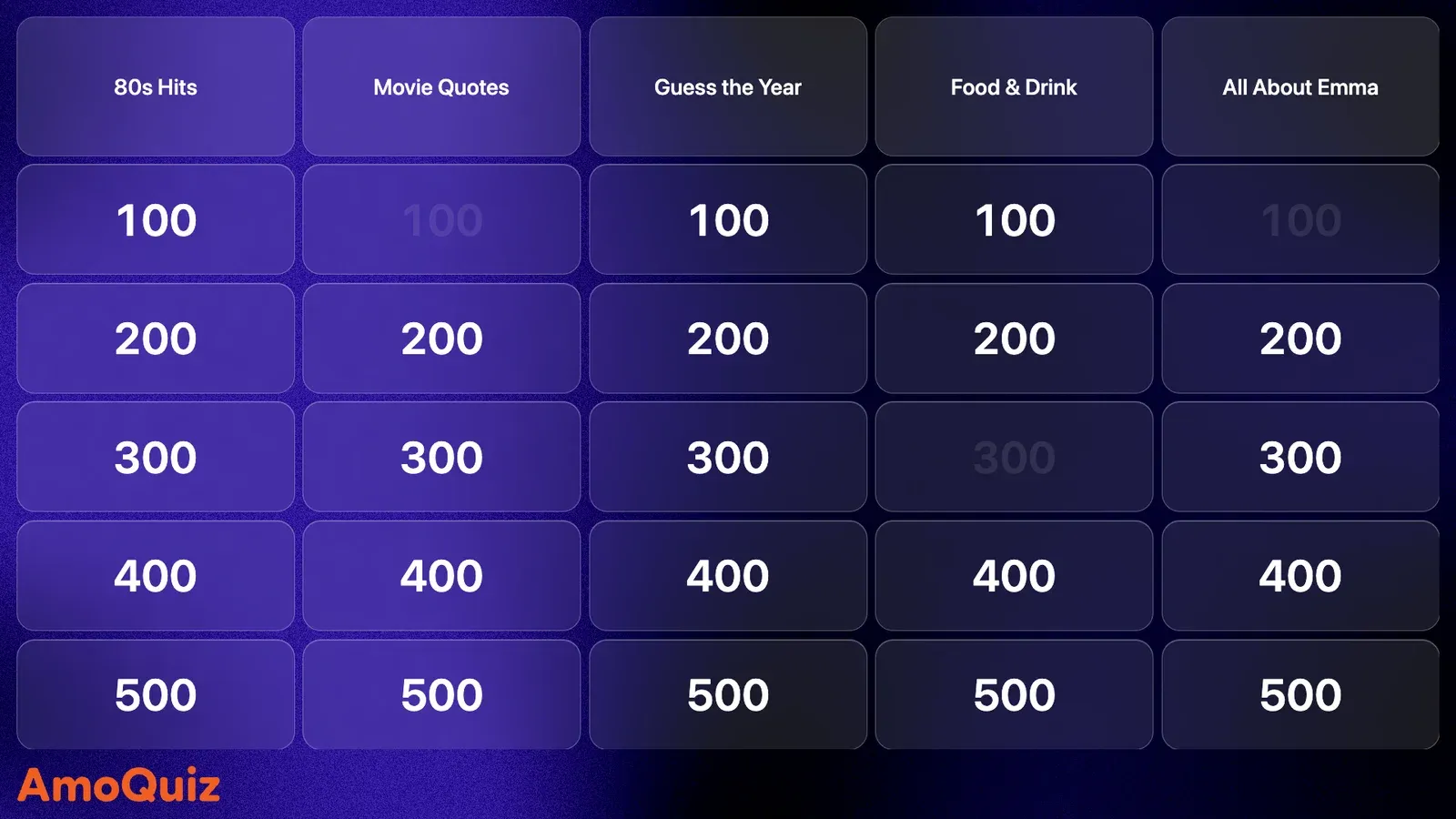
Put your game on the TV and mix in a Jeopardy-style board, multiple choice, typed answers, a buzzer race, bingo and more. AI can draft the questions, teams answer on their phones, and AmoQuiz keeps the score.
Free for up to 3 players. Guests join with a QR code, nothing to install.
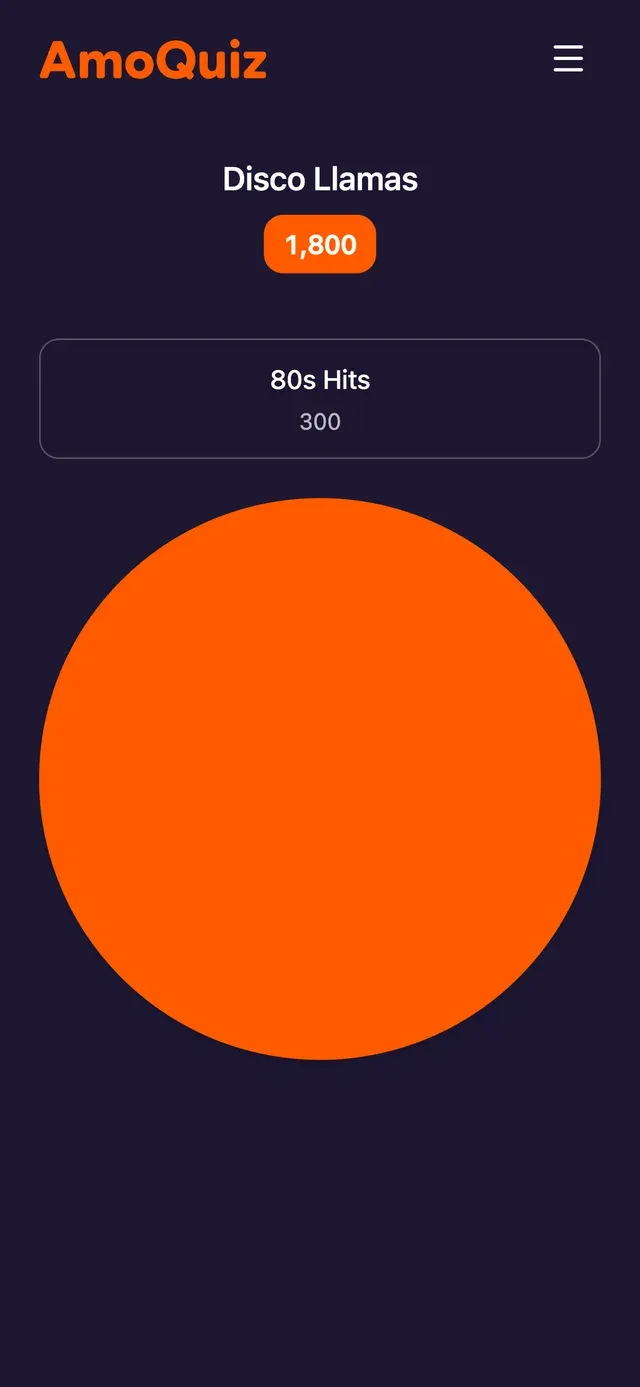
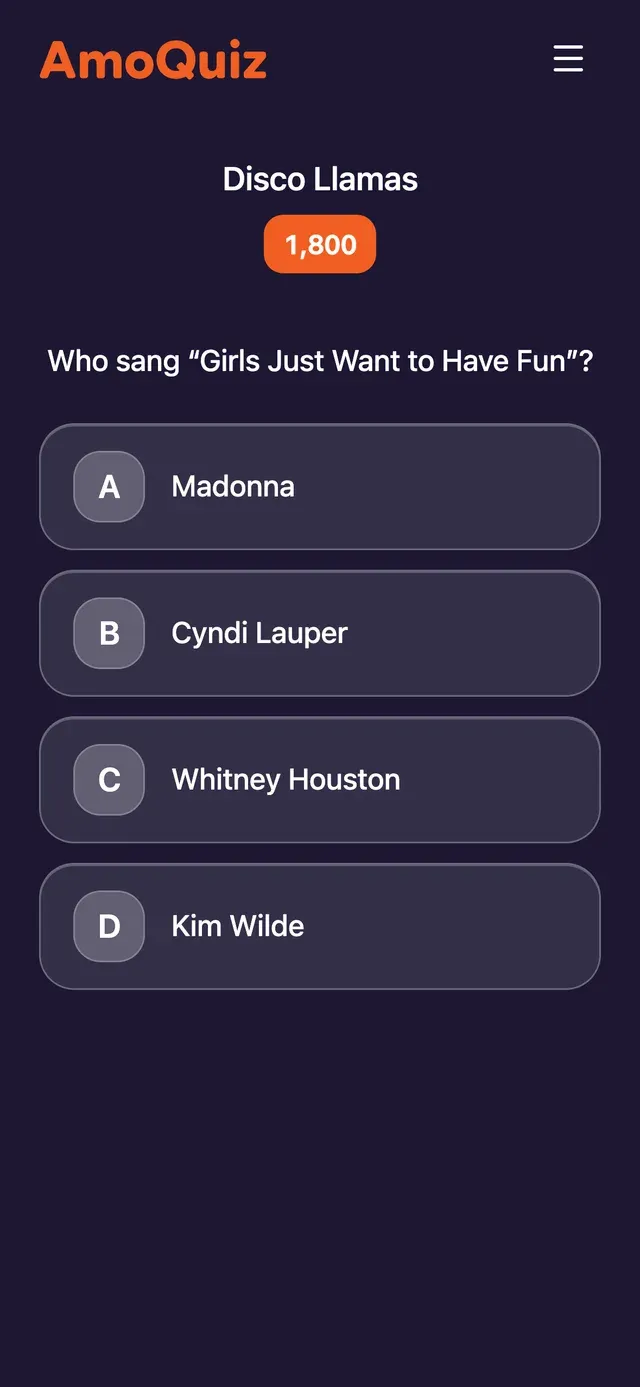
Made for
How it works
A quiz night in four steps
- 1
Make the game
Build it in the editor, let AI draft the questions, start from a sample game, or import a quiz you already have in PowerPoint or PDF.
- 2
Put it on the big screen
Press Start and open the game screen on a TV or projector. The whole room sees the questions, the timer and the score.
- 3
Players join from their phones
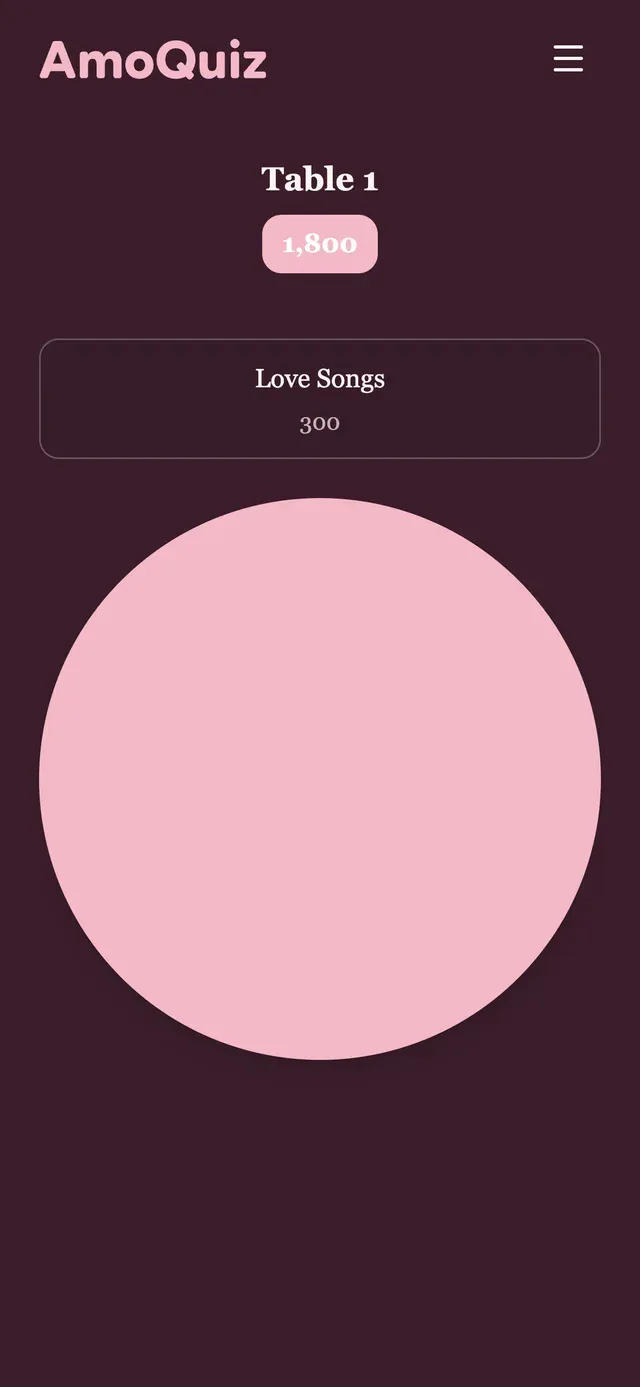
They scan the QR code on the screen, or open the link the host shares. There is nothing to install.
- 4
Host, and let the scores add up
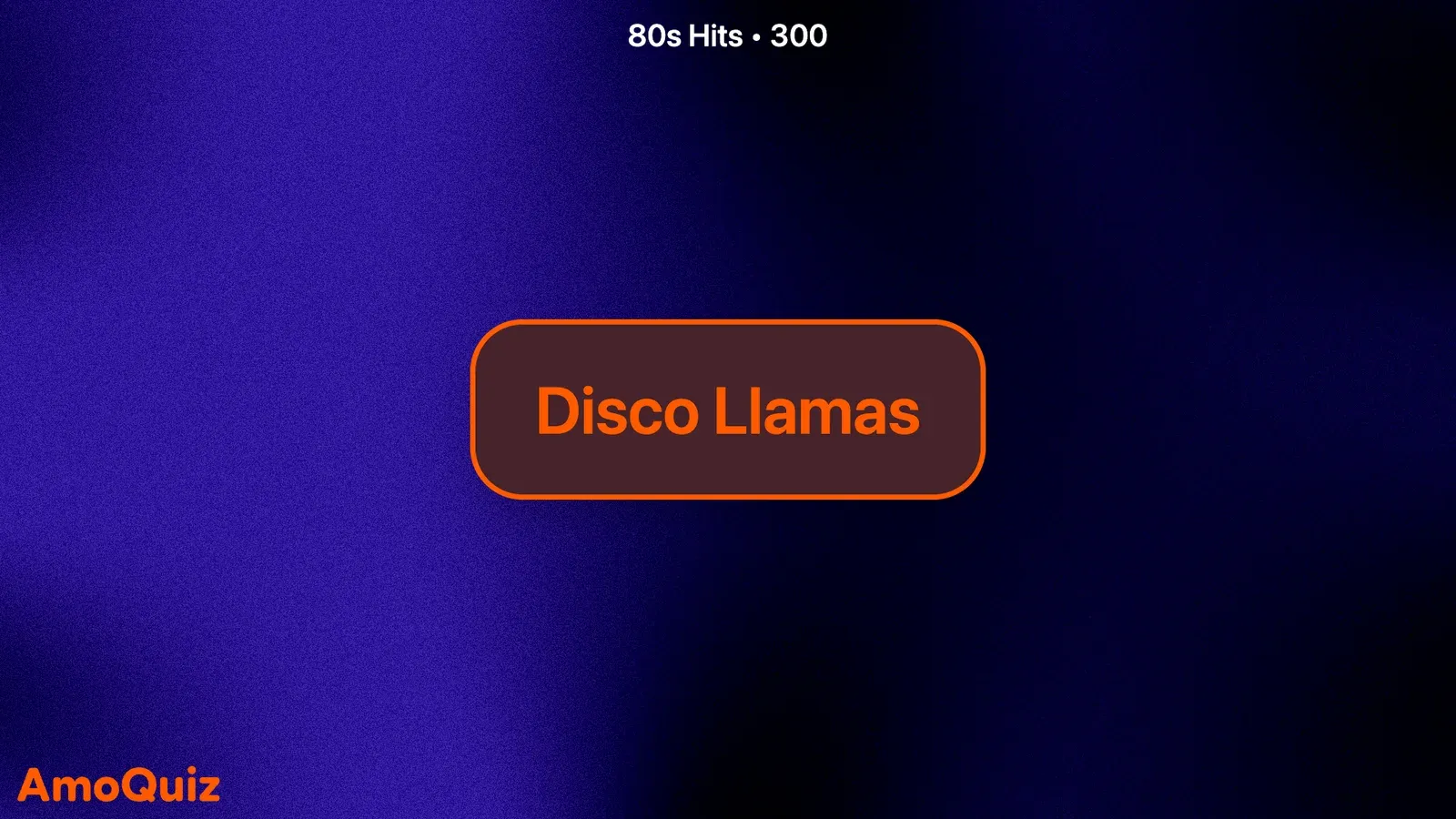
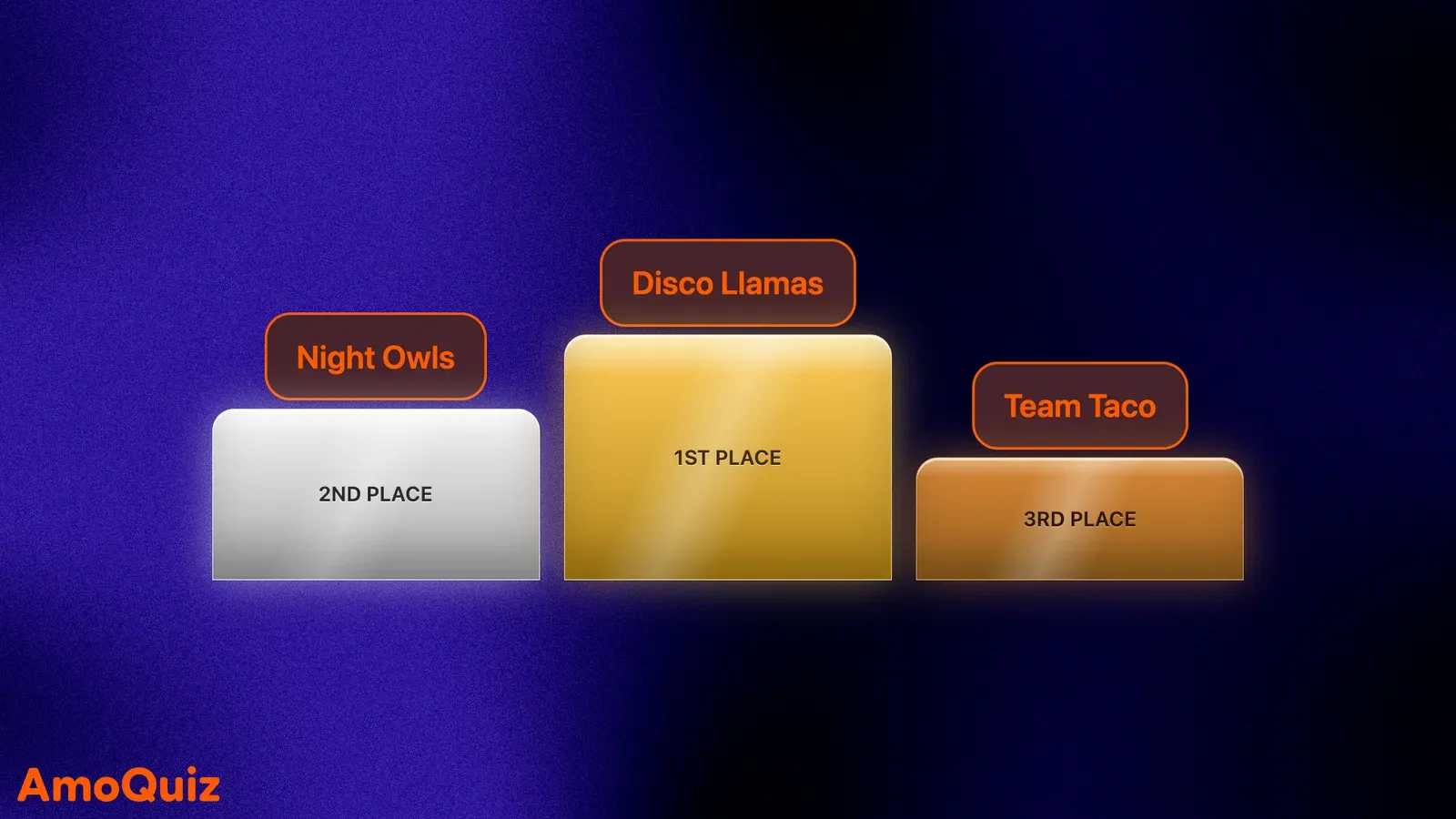
Open questions from the host panel. Answers arrive from the phones, points count themselves, and the night ends on a podium.
Rounds
Many ways to play
Mix formats in one game, from a multiple-choice warm-up to a buzzer race for the win.
Grid
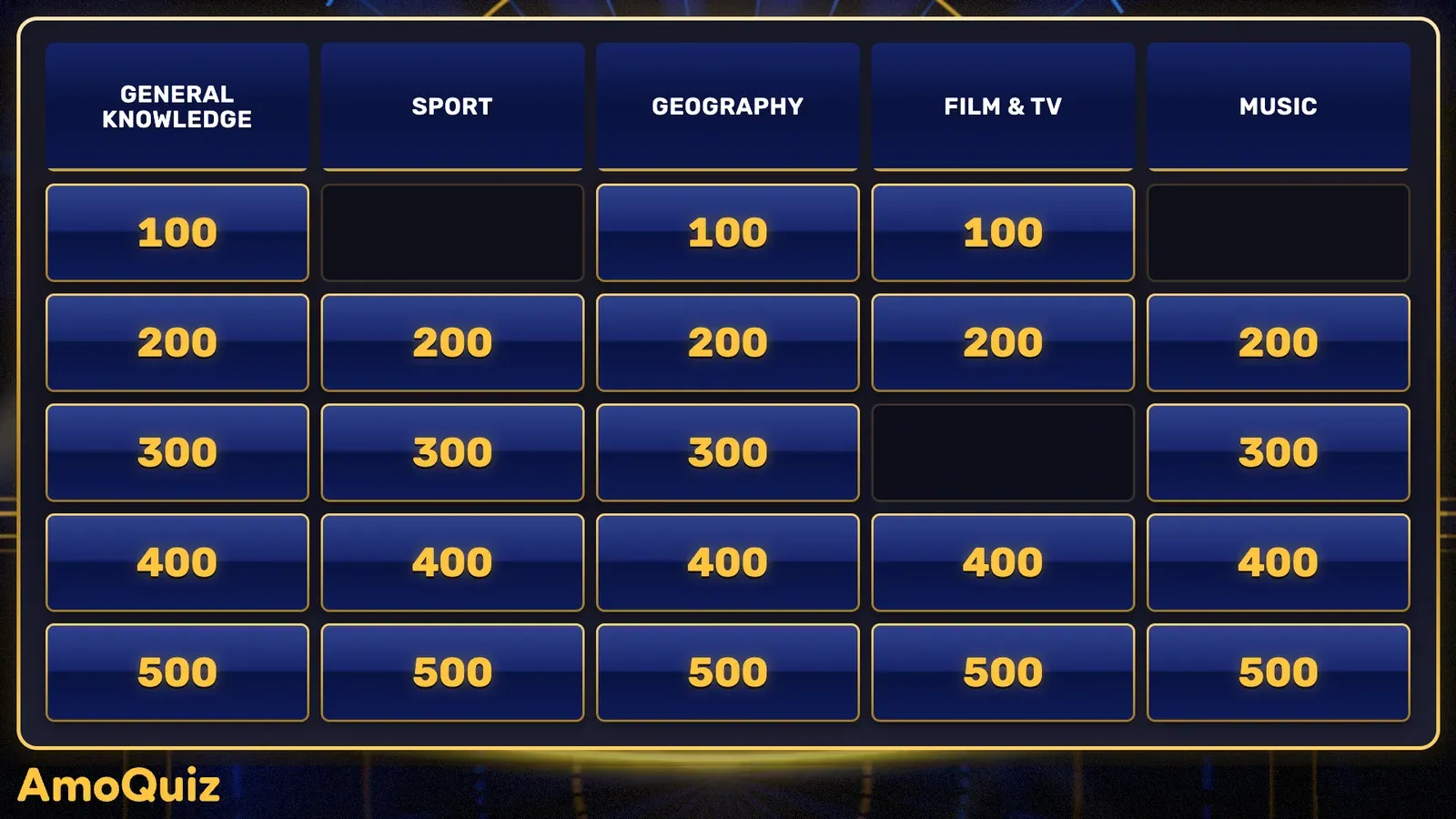
A Jeopardy-style board: pick a category and a value, then race to buzz in with the answer.
Explore the Grid game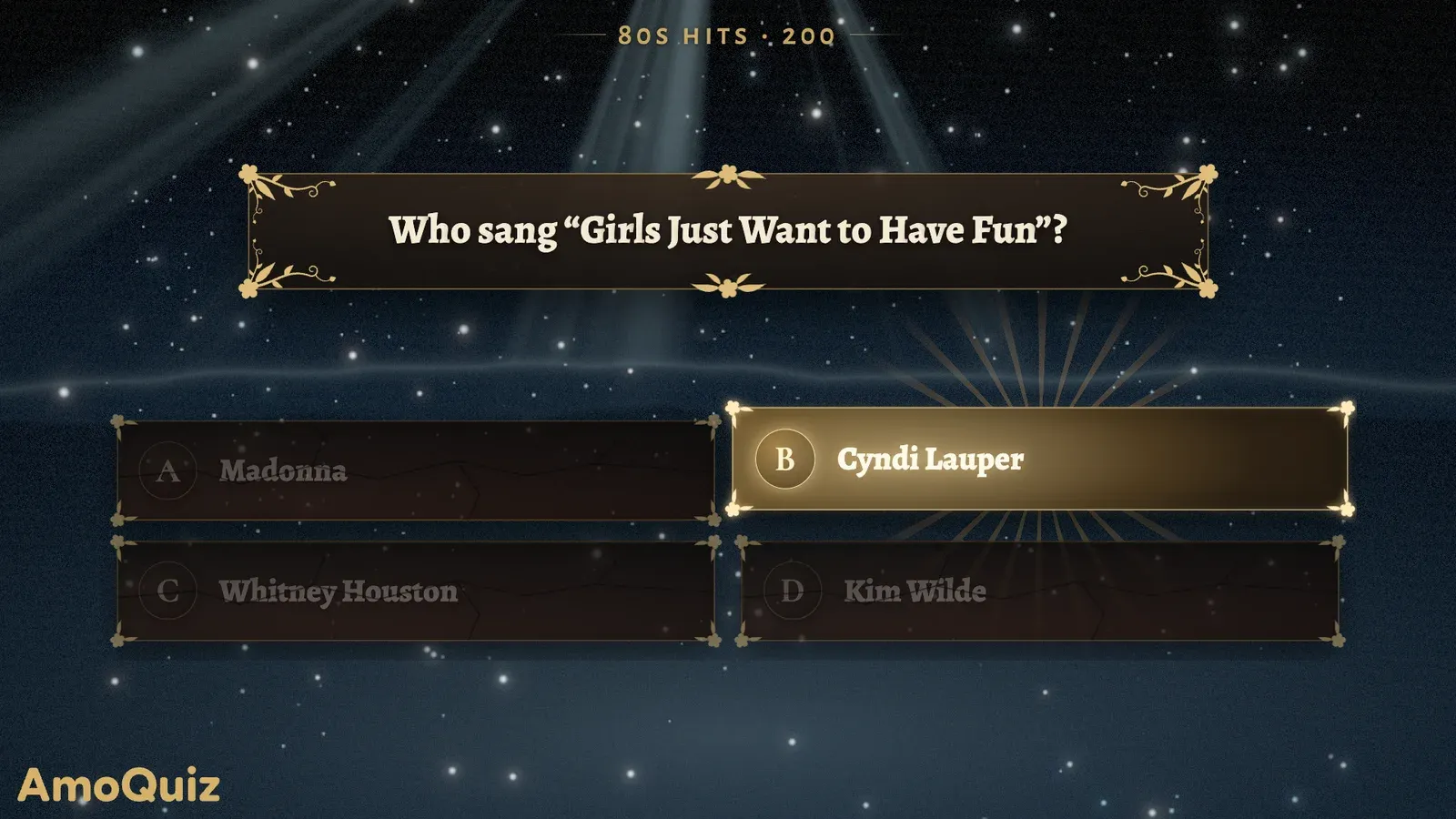
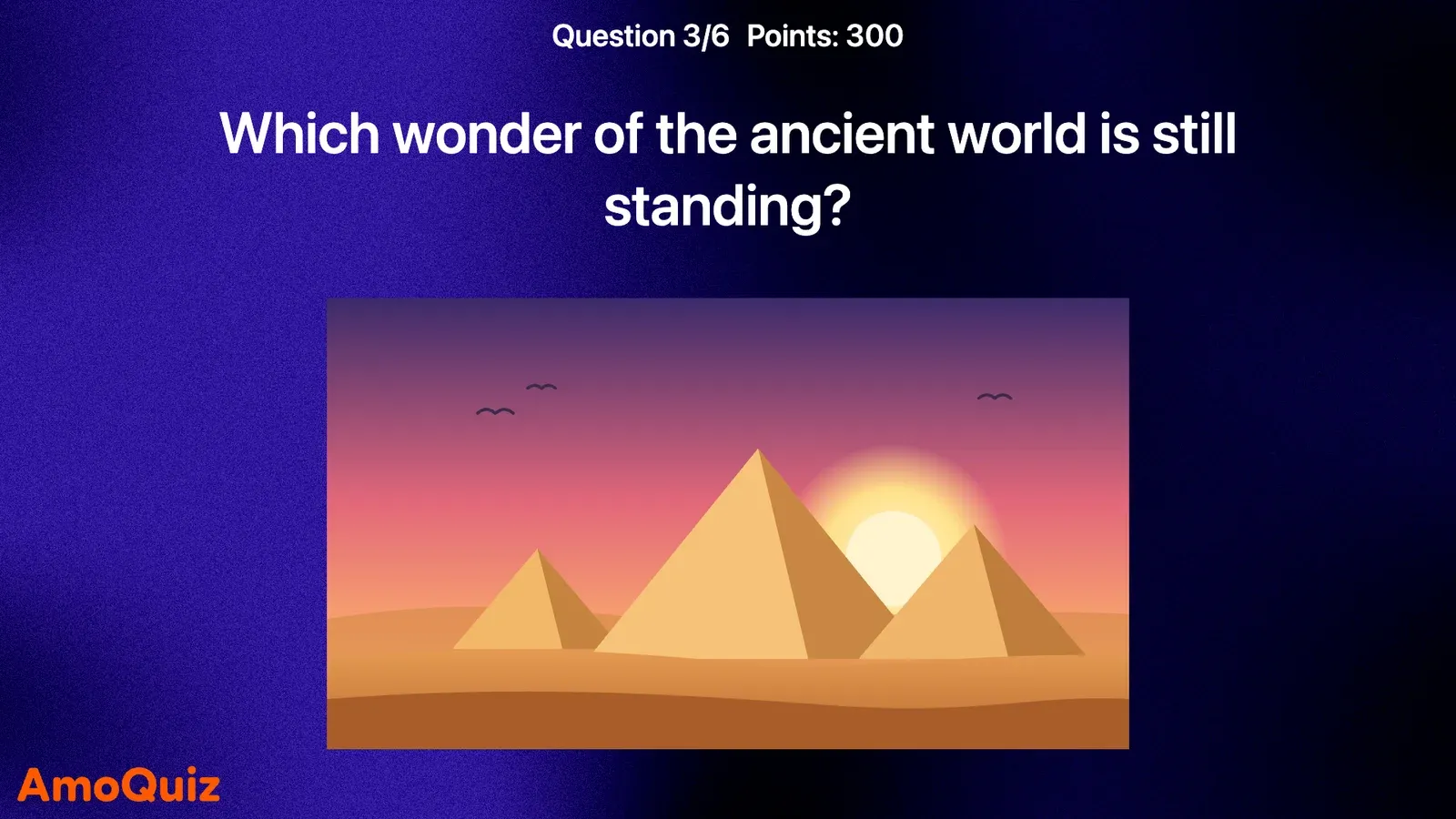
Multiple choice
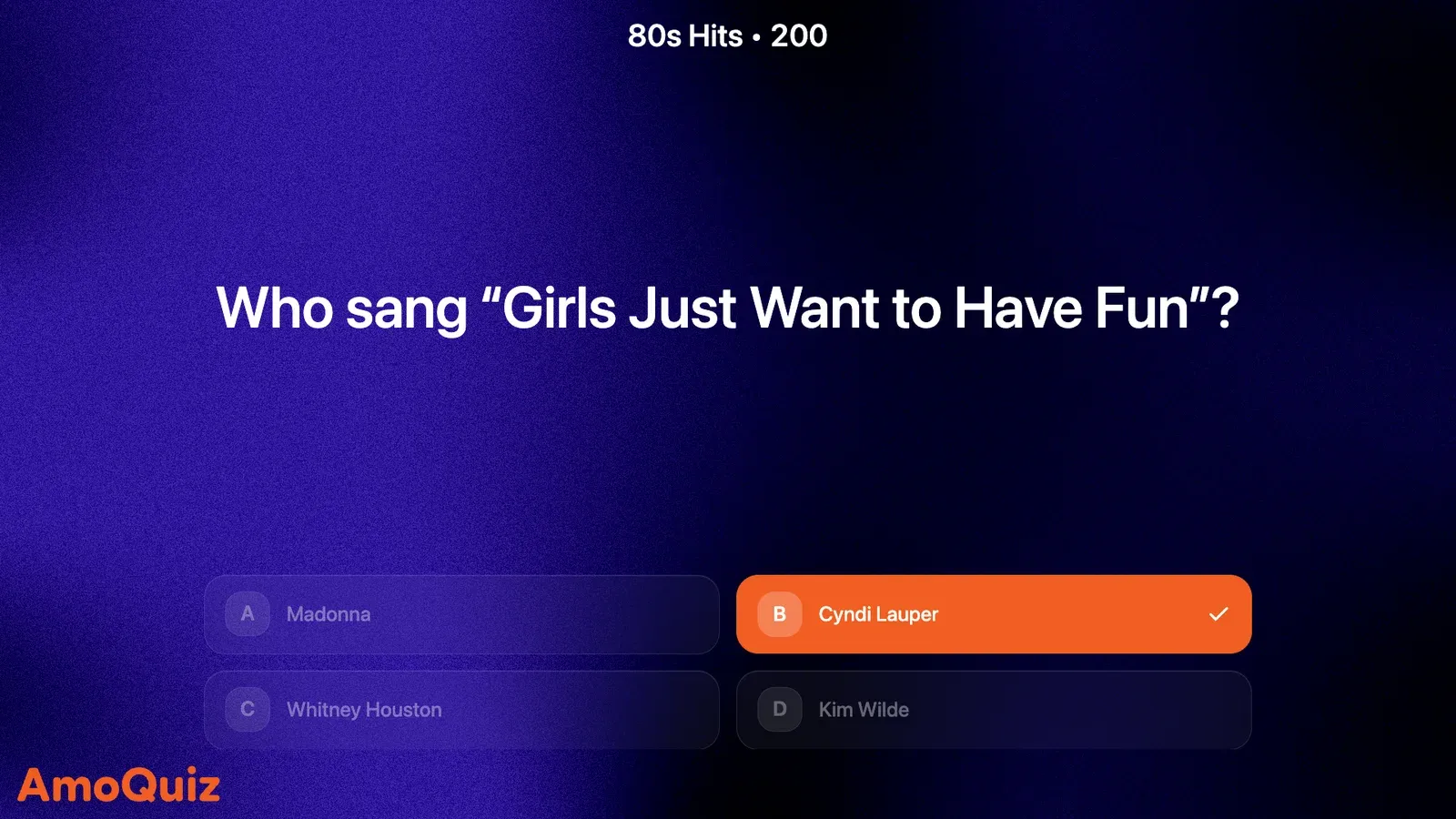
One question and a few options to choose from.
Type answer
Players type their answer before the time runs out.
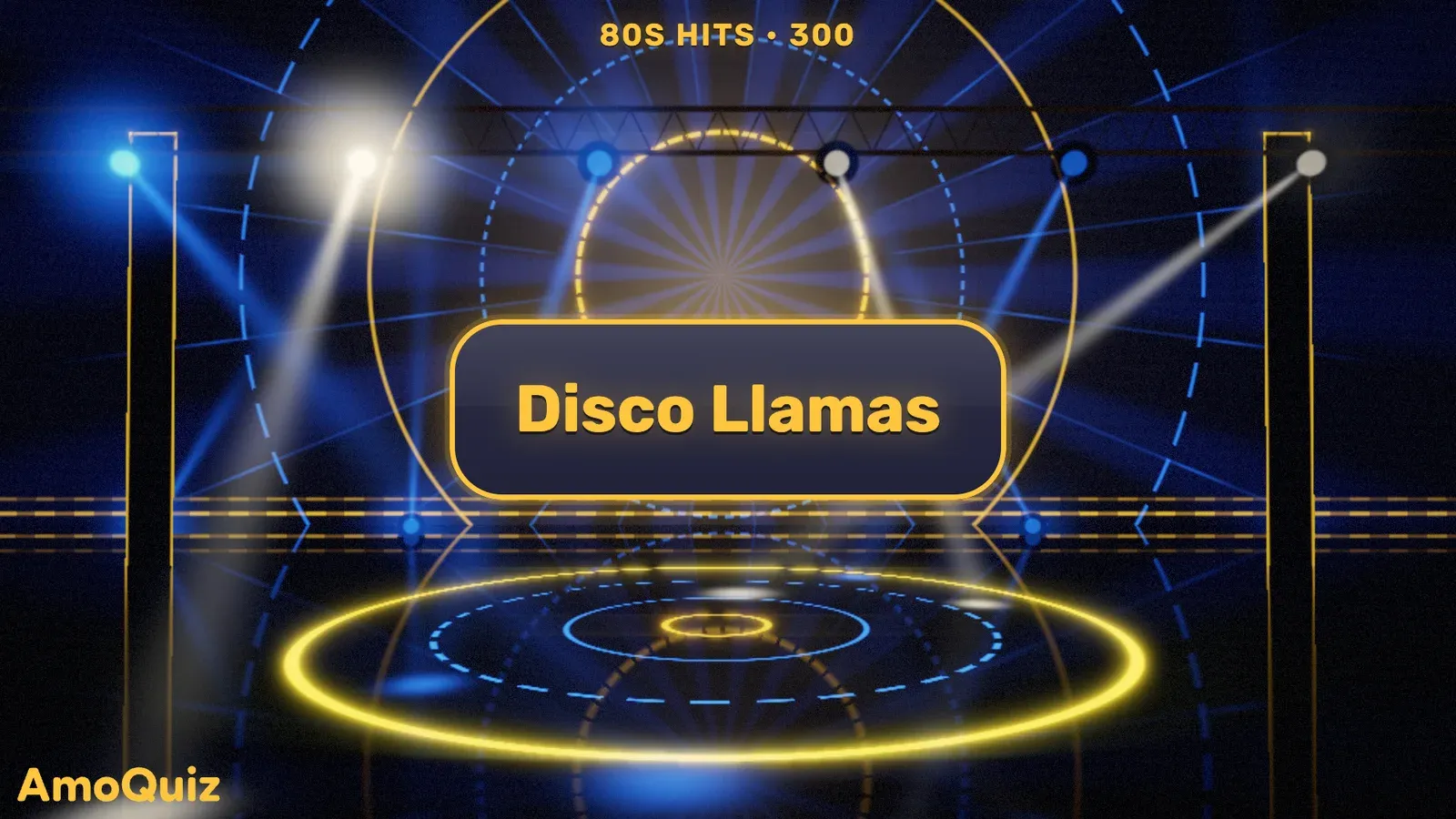
Buzzer race
The first to buzz in with the right answer takes the points.
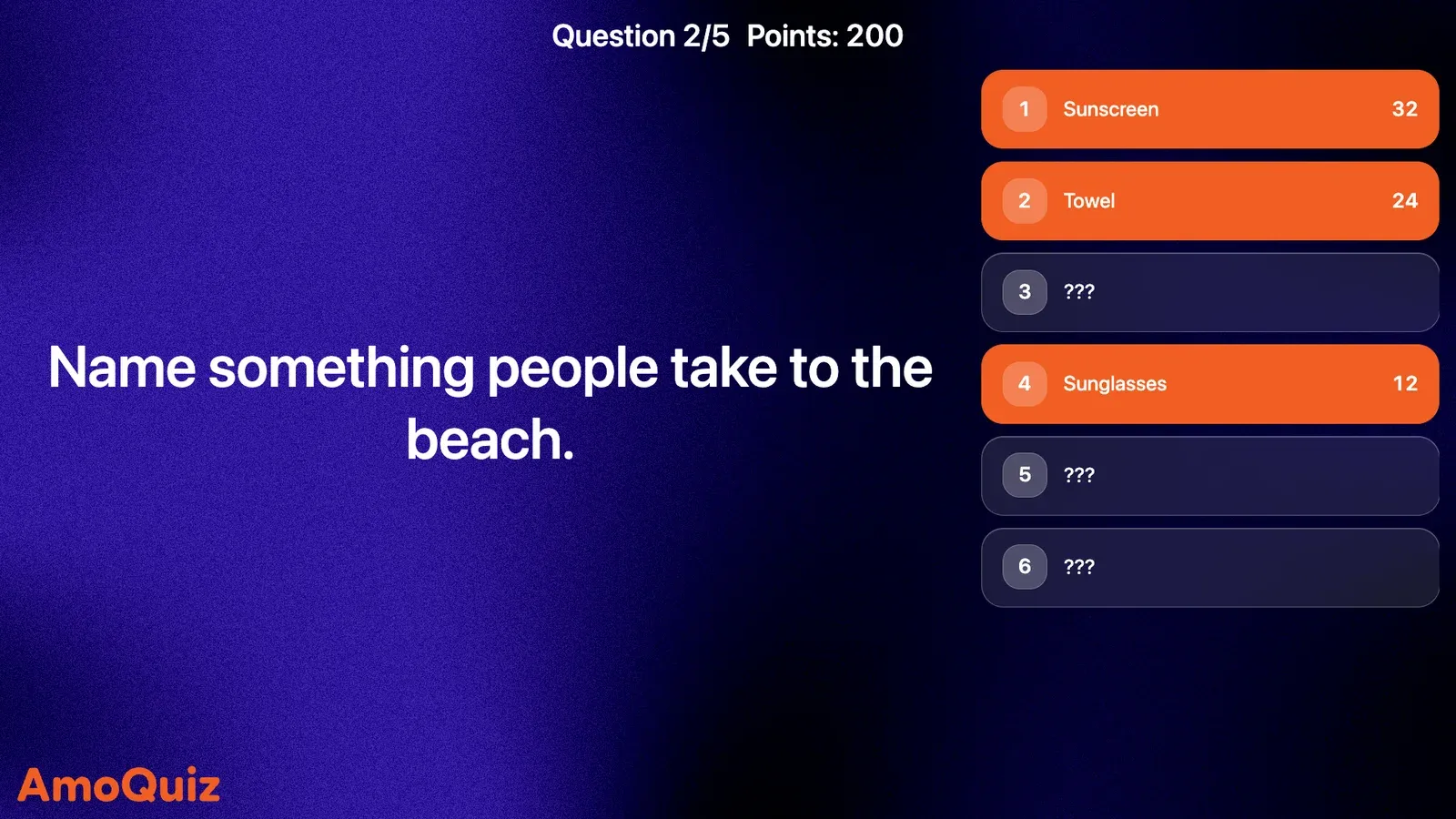
Top answers
Several right answers, each worth different points.
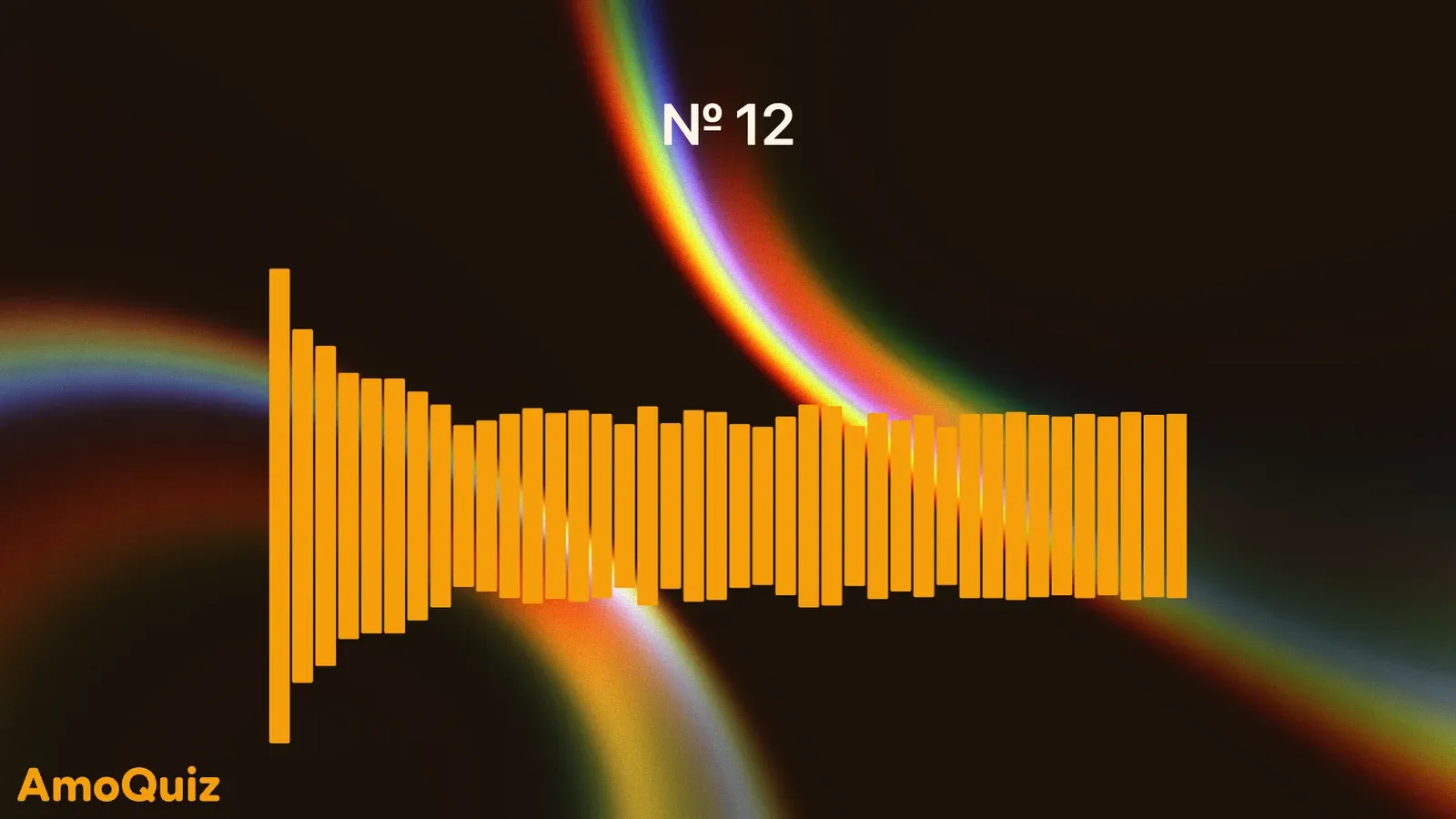
Bingo
Players mark items on their phone cards as the host calls them. A full row or a full card earns the bonus you set.
Explore music bingo
More rounds to mix in
- NumbersThe answer is a number, and the closest guesses score the most.
- StakesTeams see the topic first, then choose how many points to play for.
- BiathlonTwo options, and only one is right. Or both. Or neither.
- CountdownClues to a hidden answer, one at a time. The fewer you need, the more you score.
- Put in orderArrange the options in the right order to score.
- Click on imagePlayers tap the picture to hit the right spot.
- TossDraw lots on the big screen: who goes first, random teams or the next topic.
- PollA quick vote with no wrong answers.
AI quiz generator
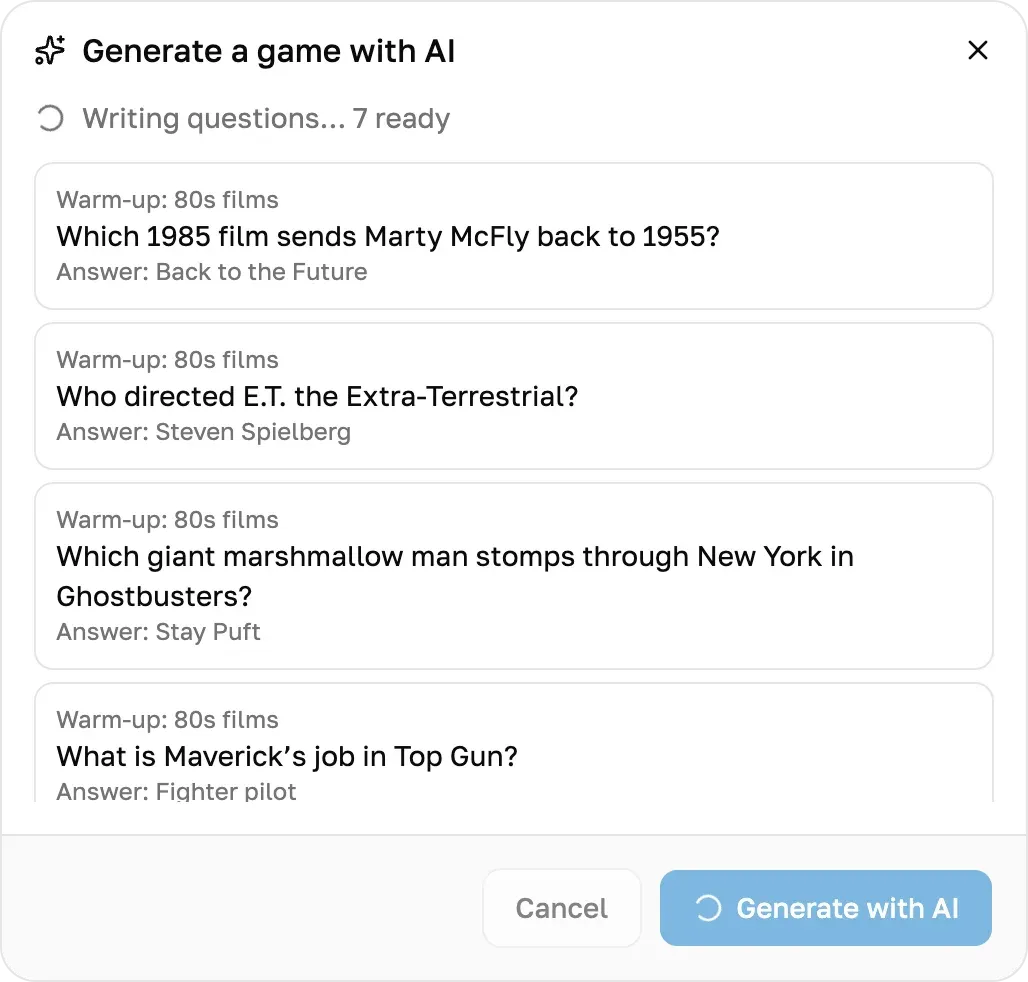
Type a topic. AI writes the questions.
Say what the night is about, or attach your notes, and AI drafts the game round by round: multiple choice, typed answers, a Jeopardy-style board and more, every question with its answer. Read it through, keep what you like and play it on the big screen.
- Start from a topic or your own notes
- Read it through before it’s yours
- AI checks the typed answers too
Every plan comes with AI questions each month, the free one included.
Music, pictures and video
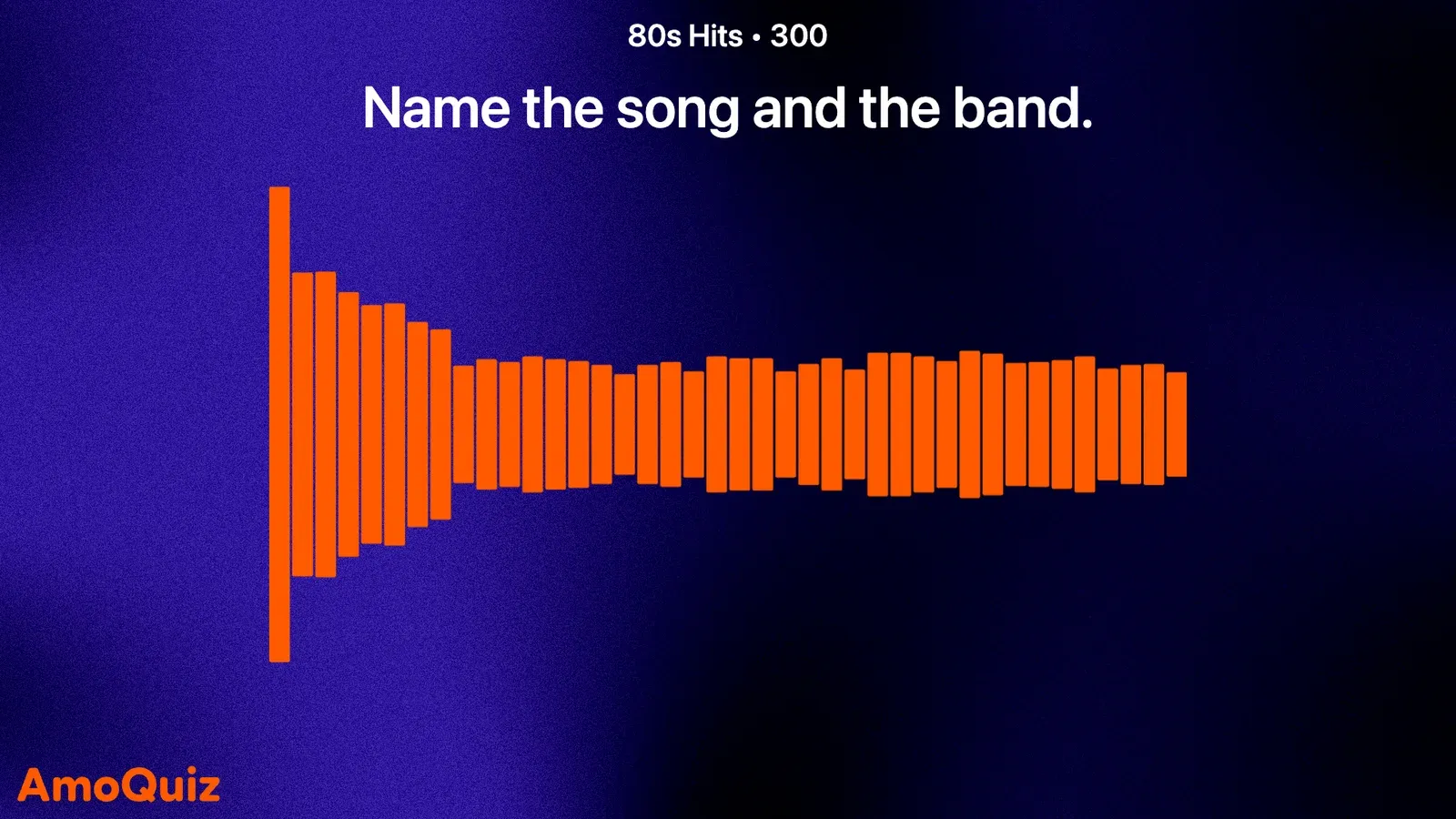
Guess the song. Name the face. Buzz in.
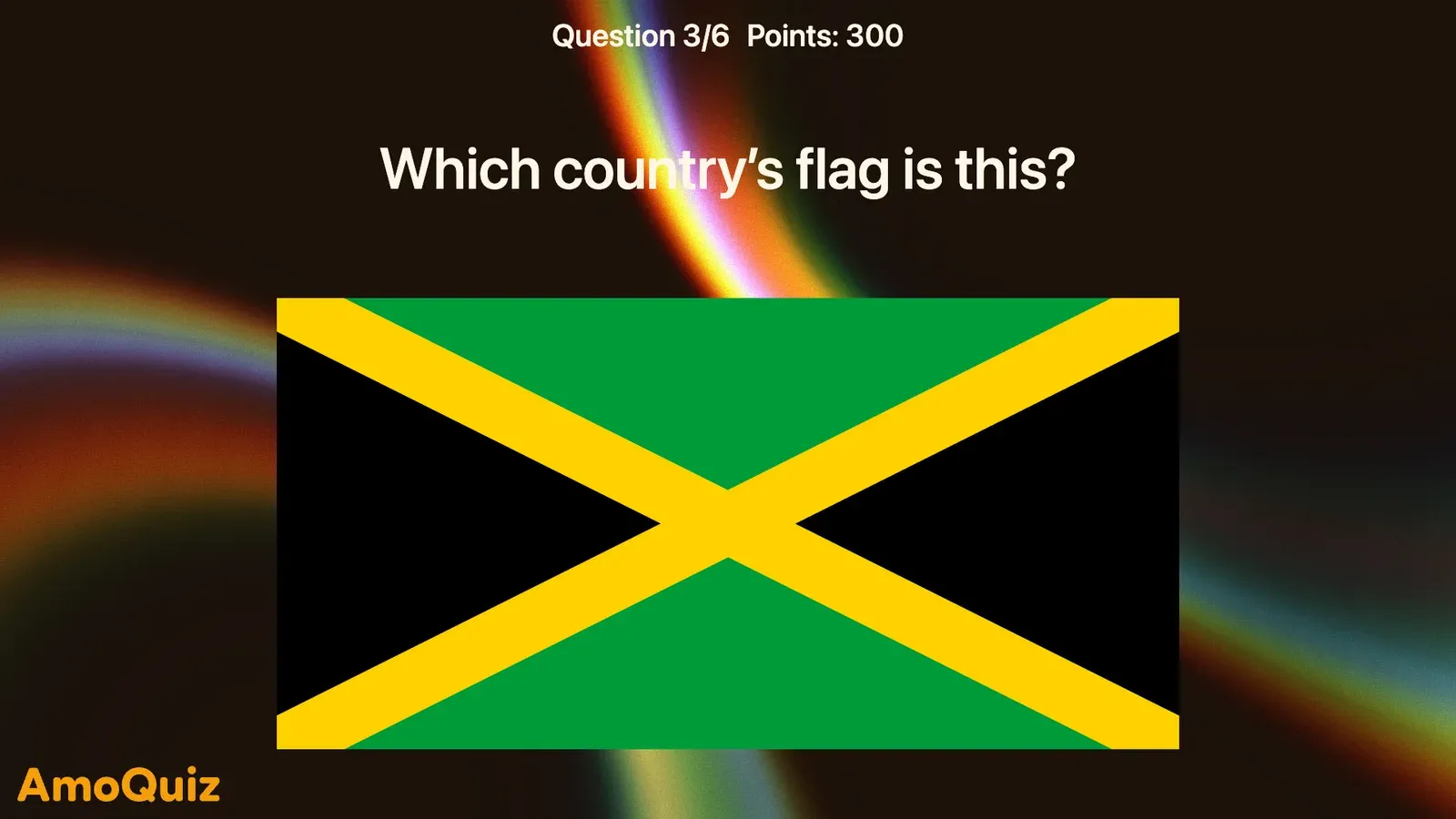
The rounds a party remembers are the ones it can hear and see. Upload your own songs, photos and video clips, cut each song to its best few seconds, and put them behind any square of the Grid or into any other round. The first team to buzz stops the music.
- Songs, cut to the hook
- Pictures on the big screen
- Film clips, and answers worth the wait
AmoQuiz doesn’t supply music, pictures or videos. You bring the files, and the right to use them at your event.
Use cases
Made for every kind of crowd
From the living room to the ballroom: the same game works for a family, a pub full of regulars or a whole company.
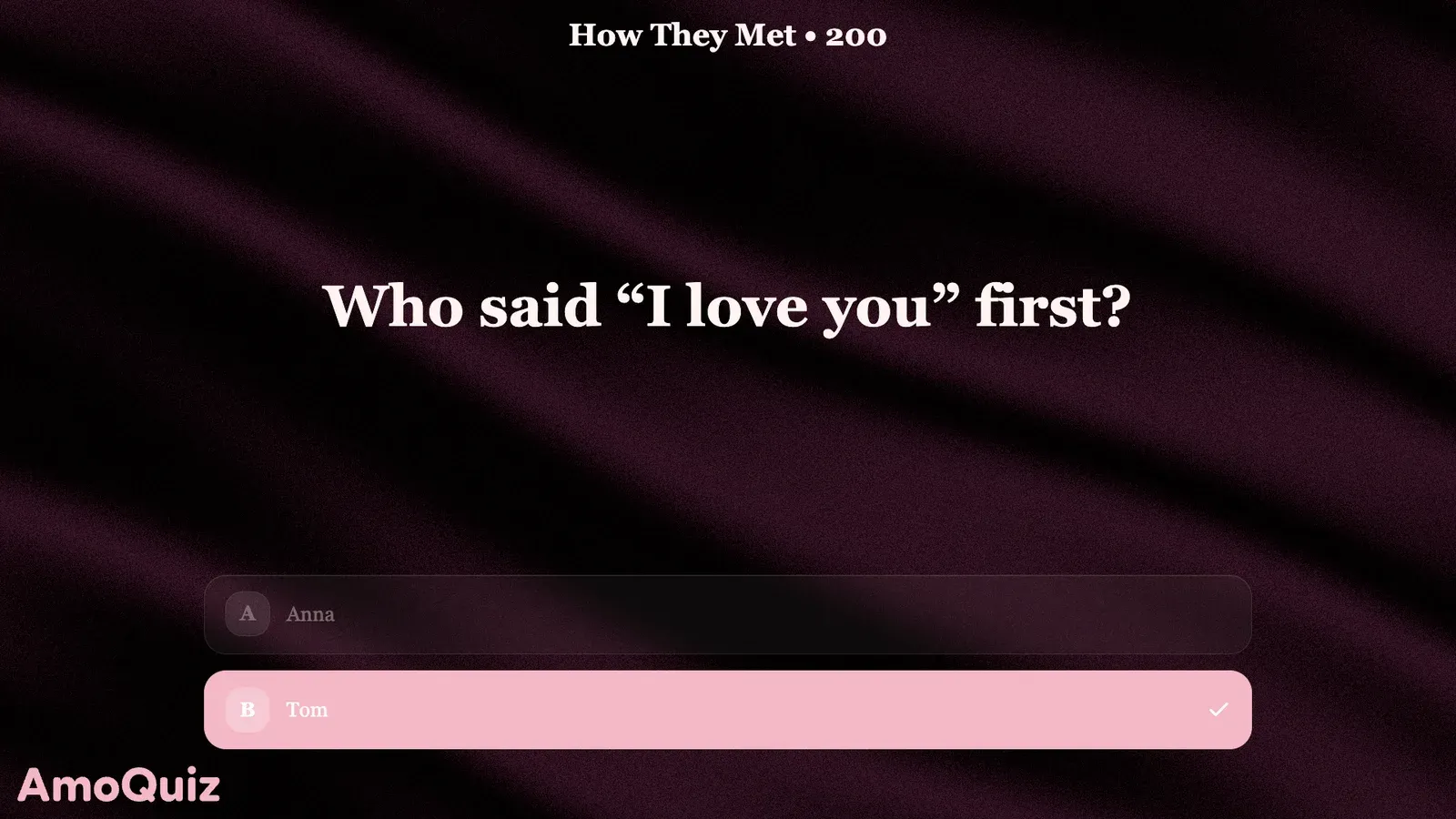 Birthdays, weddings and anniversariesWeddings and partiesGames for weddings and parties
 Weekly quiz and trivia nights in bars and restaurantsPub quizzesRun a pub quiz
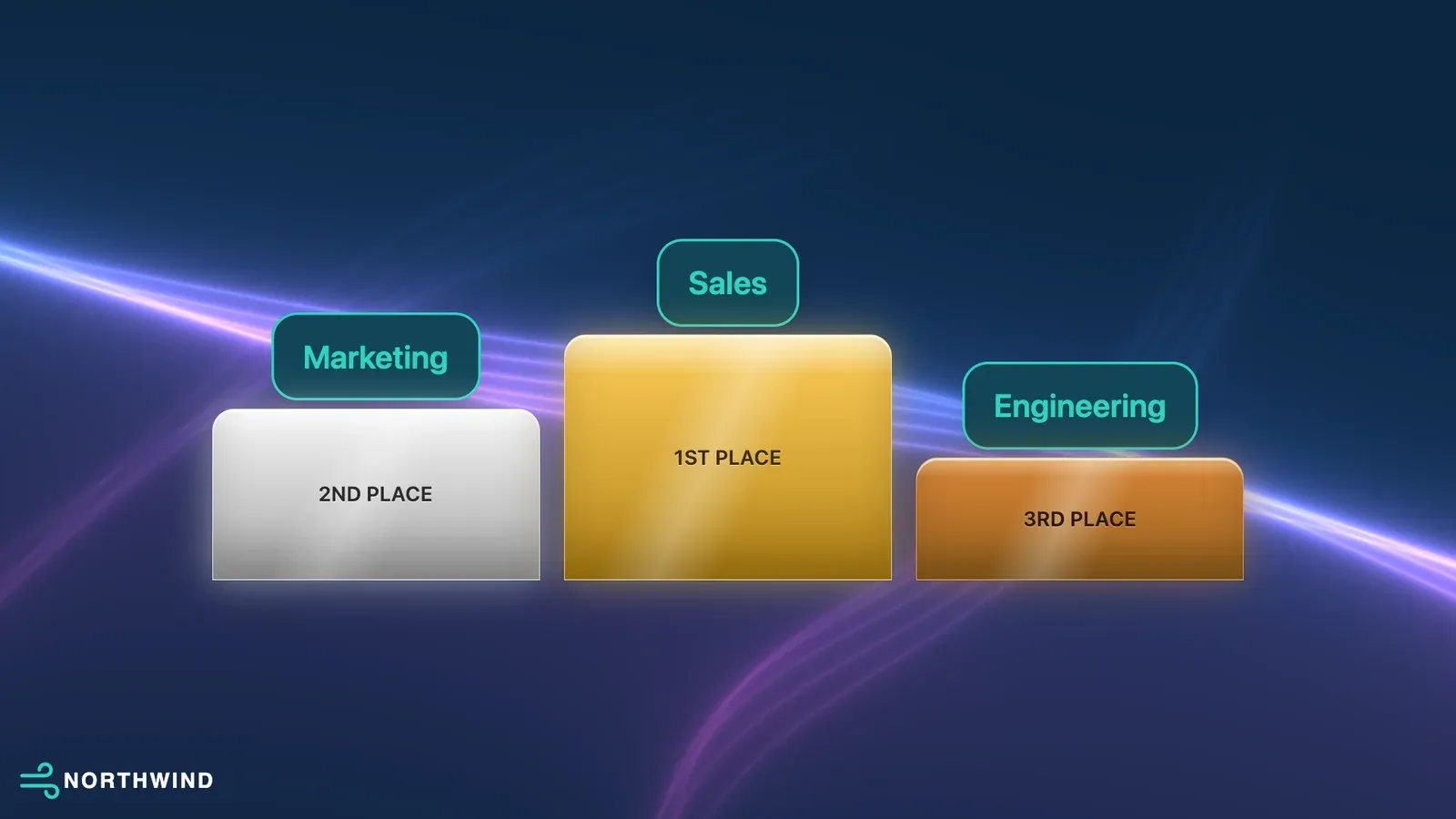 Team building, parties and trainingCompany eventsPlan a company event
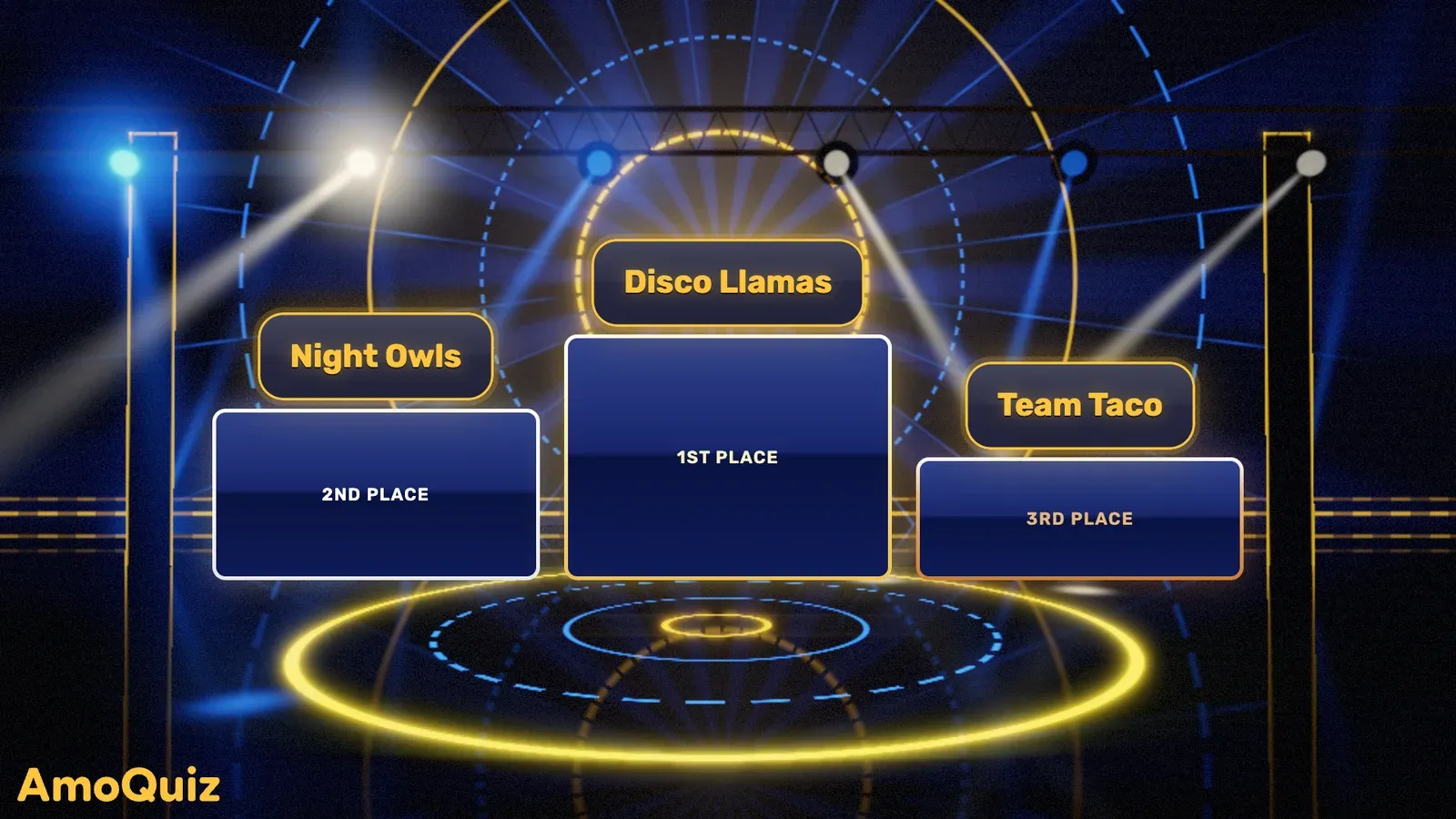 Game shows you run for clientsEvent agenciesRun games for clients
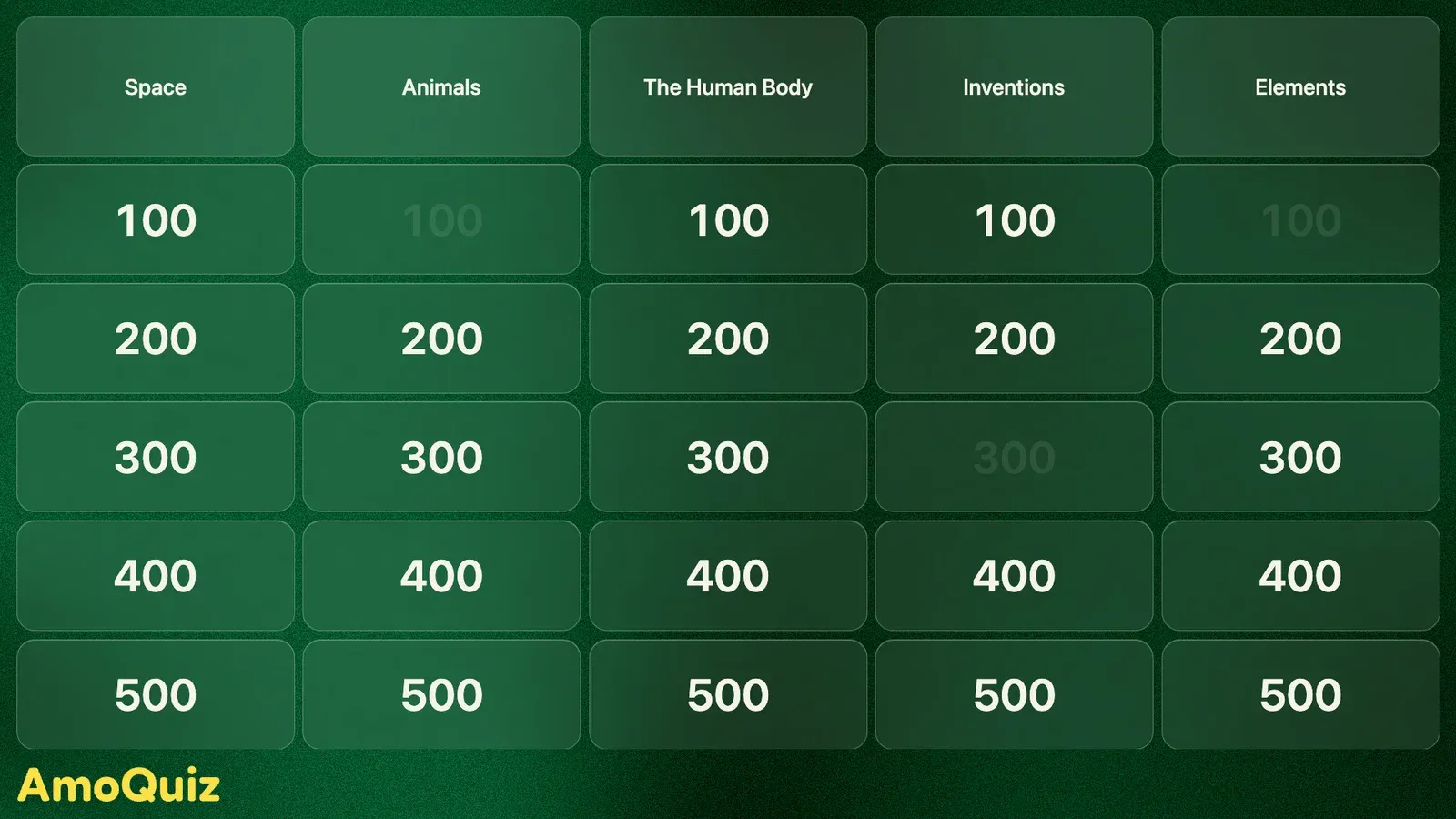 Review games and quizzes for studentsClassroomsGames for the classroom
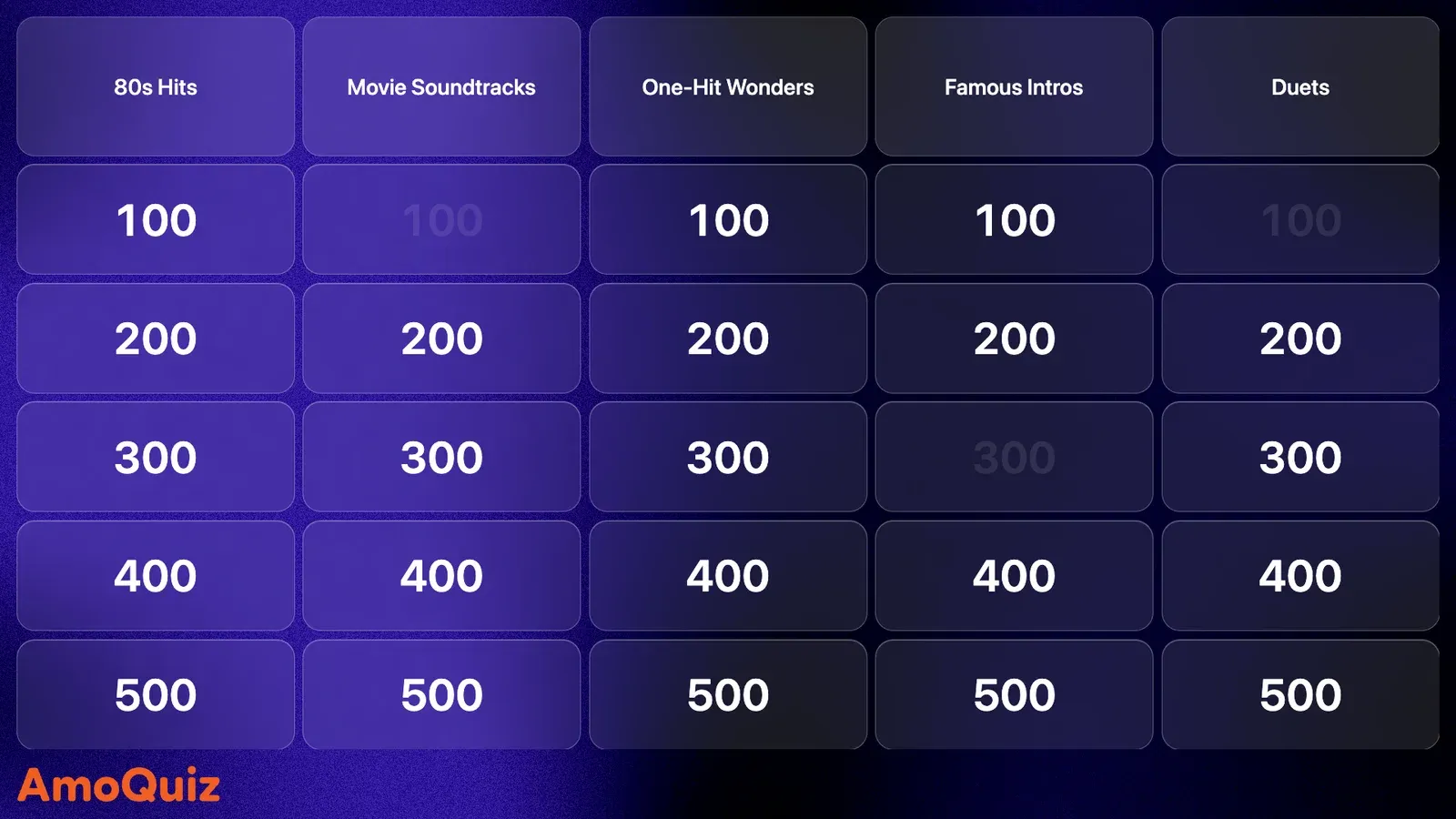 Friends and family around the TVGame nightPlan a game night
Themes
Make the screen look like your event
A theme dresses the big screen and every phone at once: colours, fonts and a moving background. Pick a ready-made look, or make one of your own for a wedding, a pub or a company night.
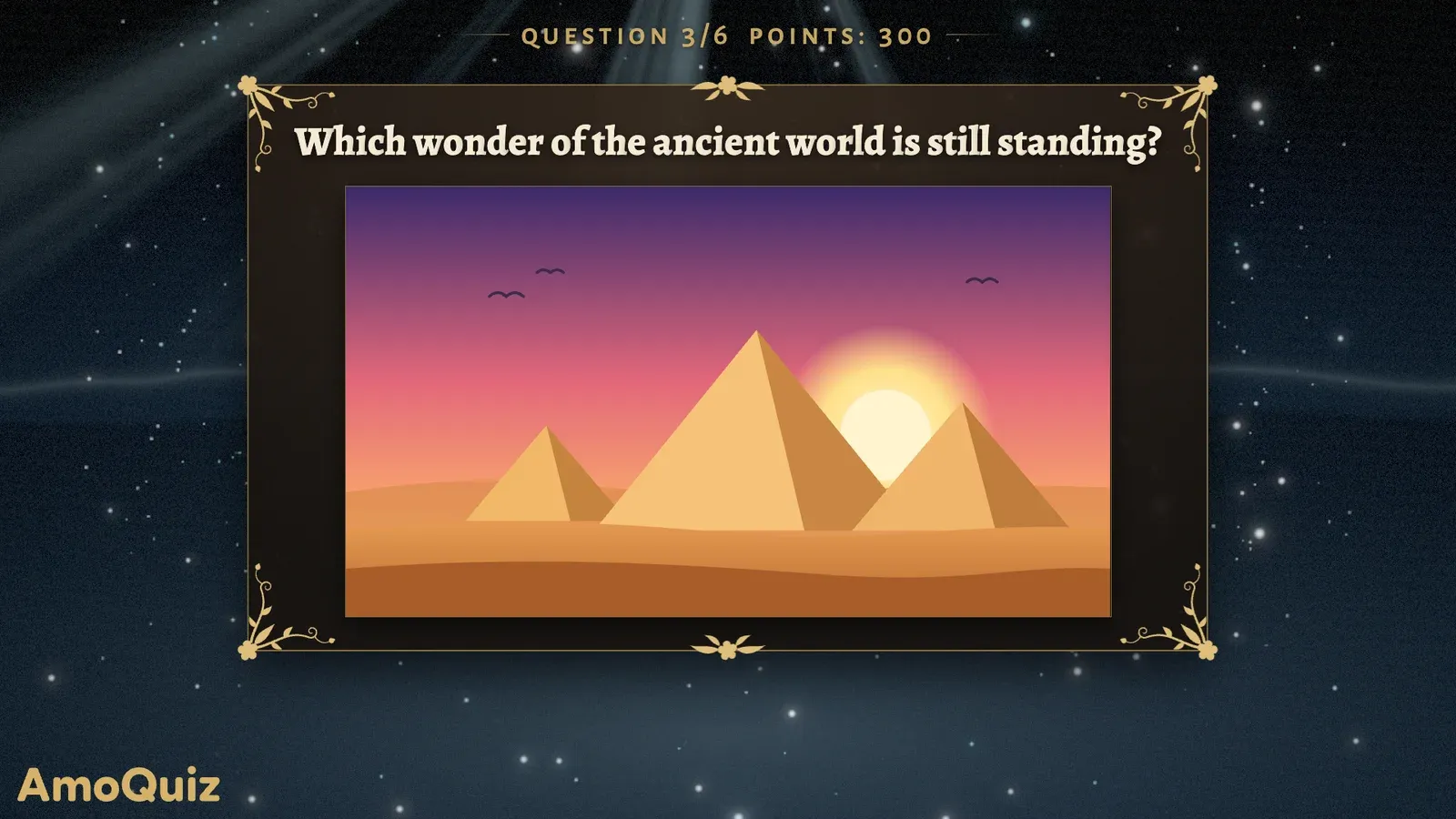
Fantasy 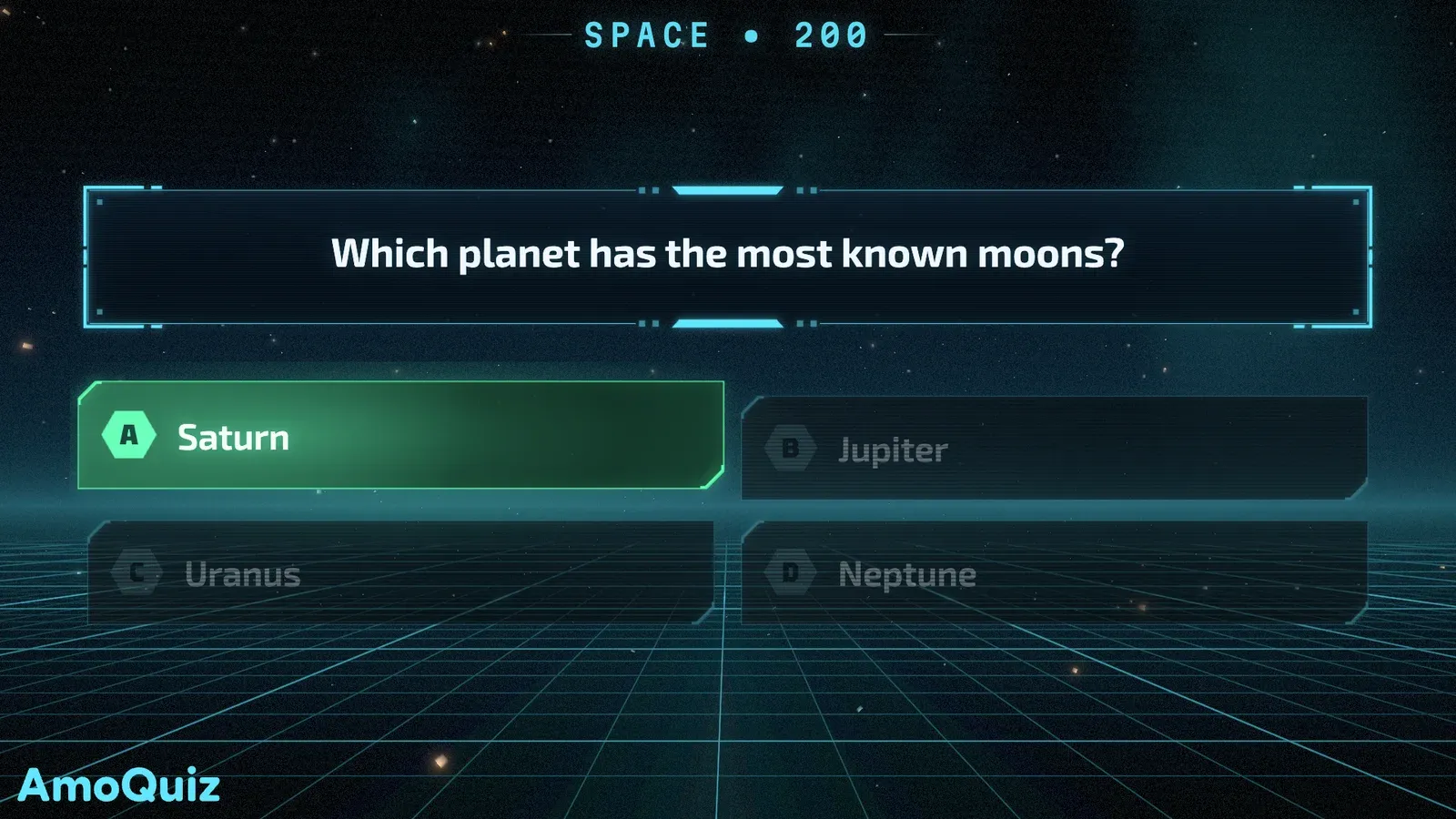
Sci-fi 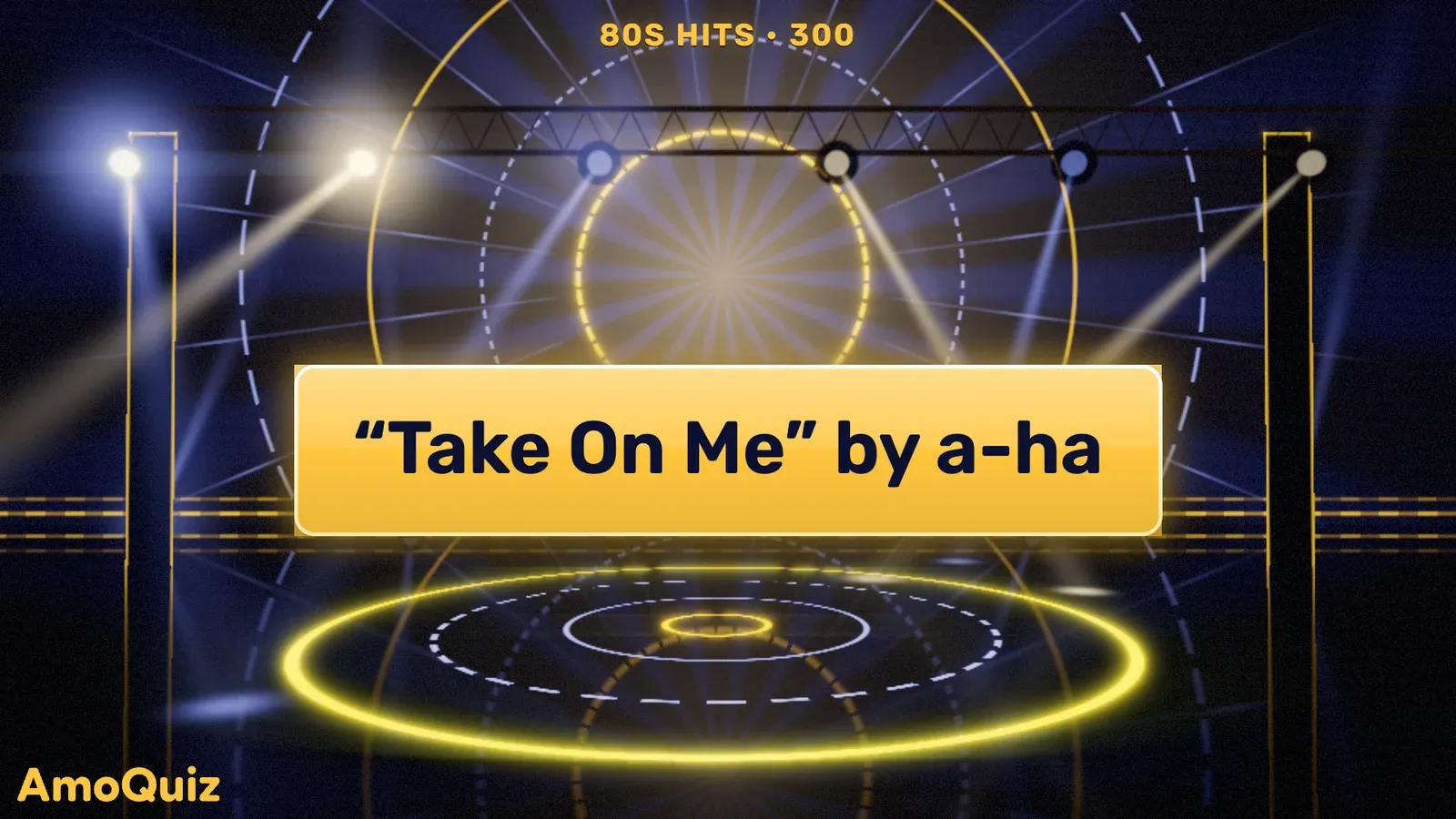
Game show 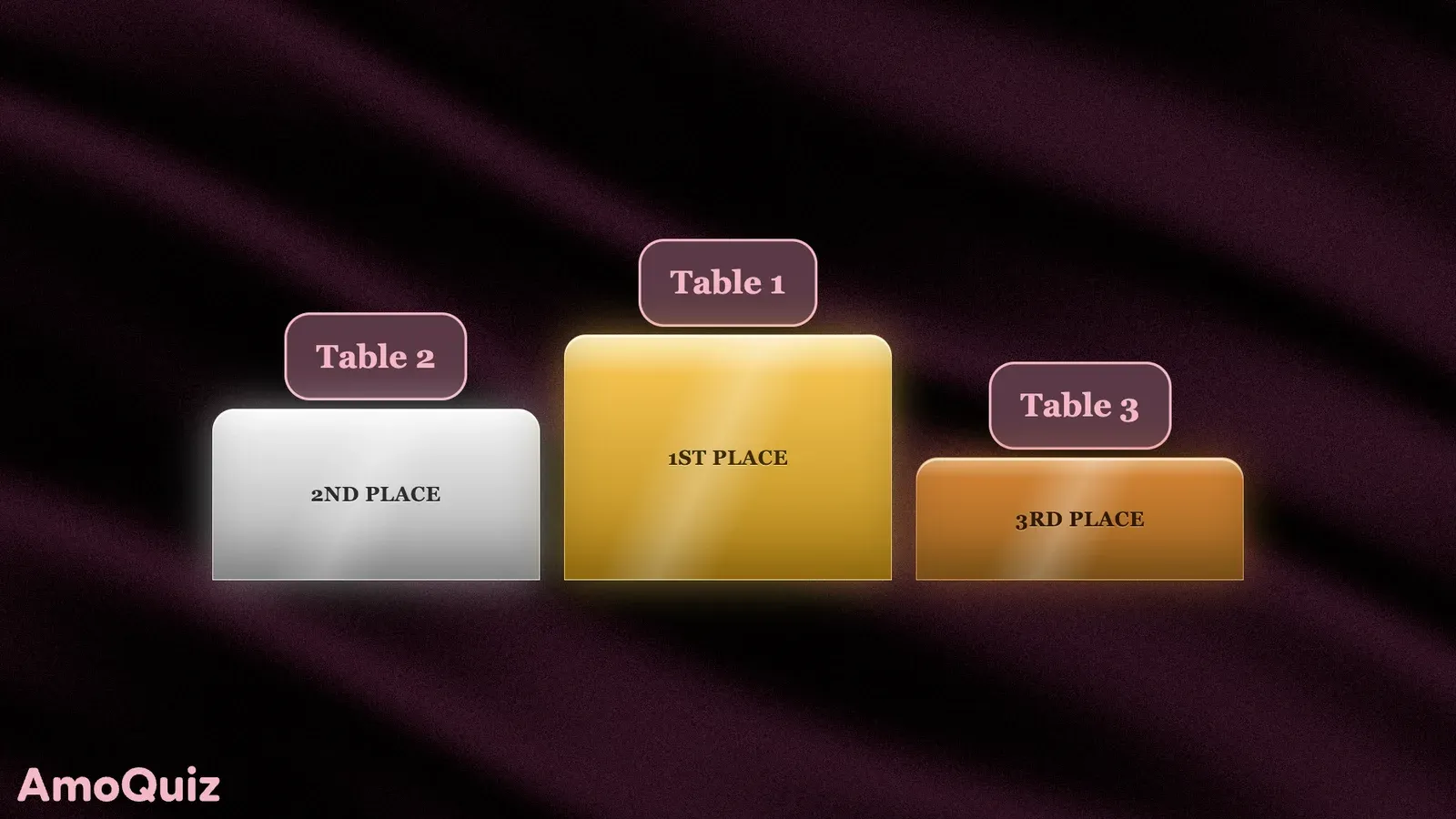
Wedding 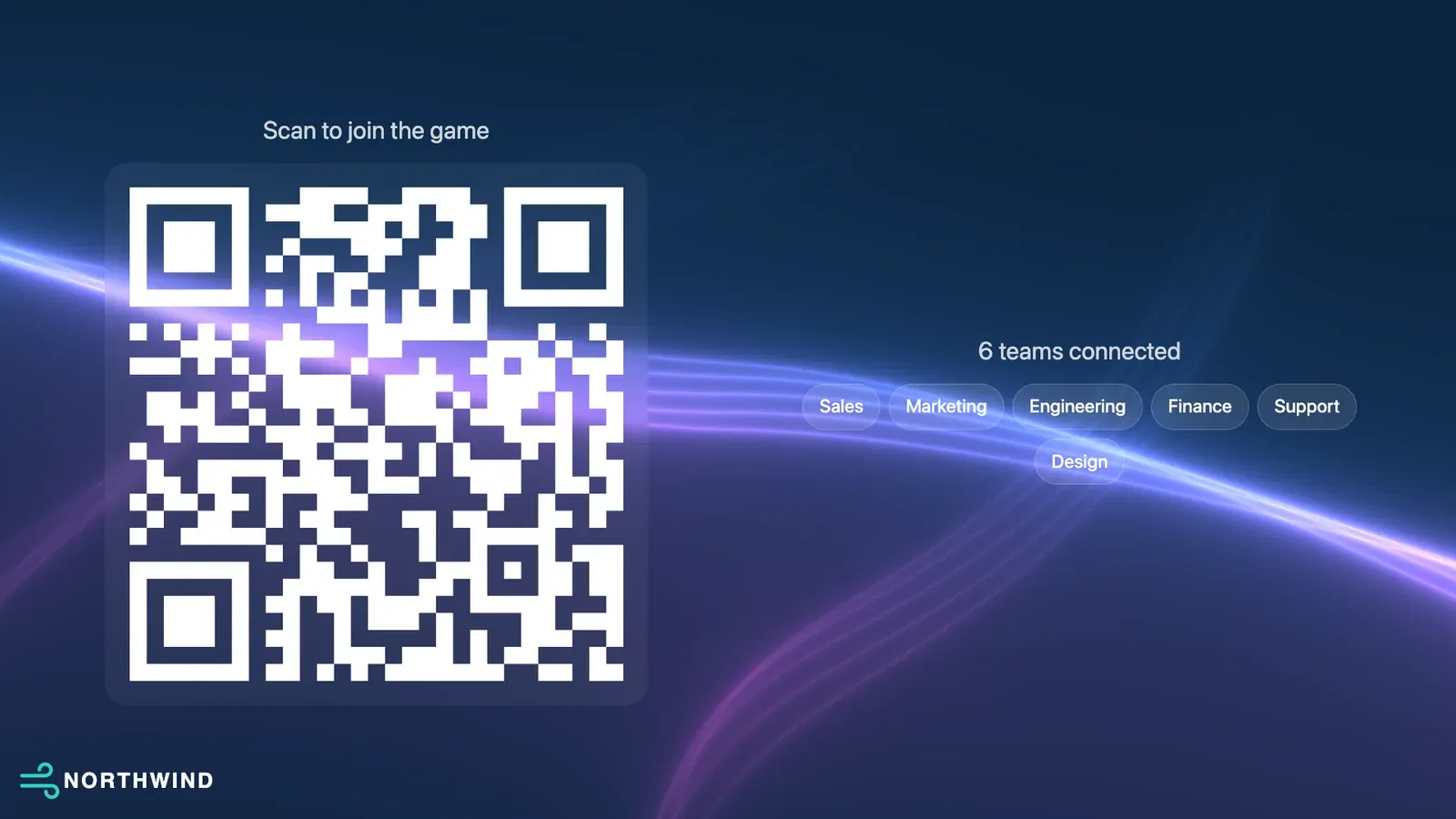
Your logo 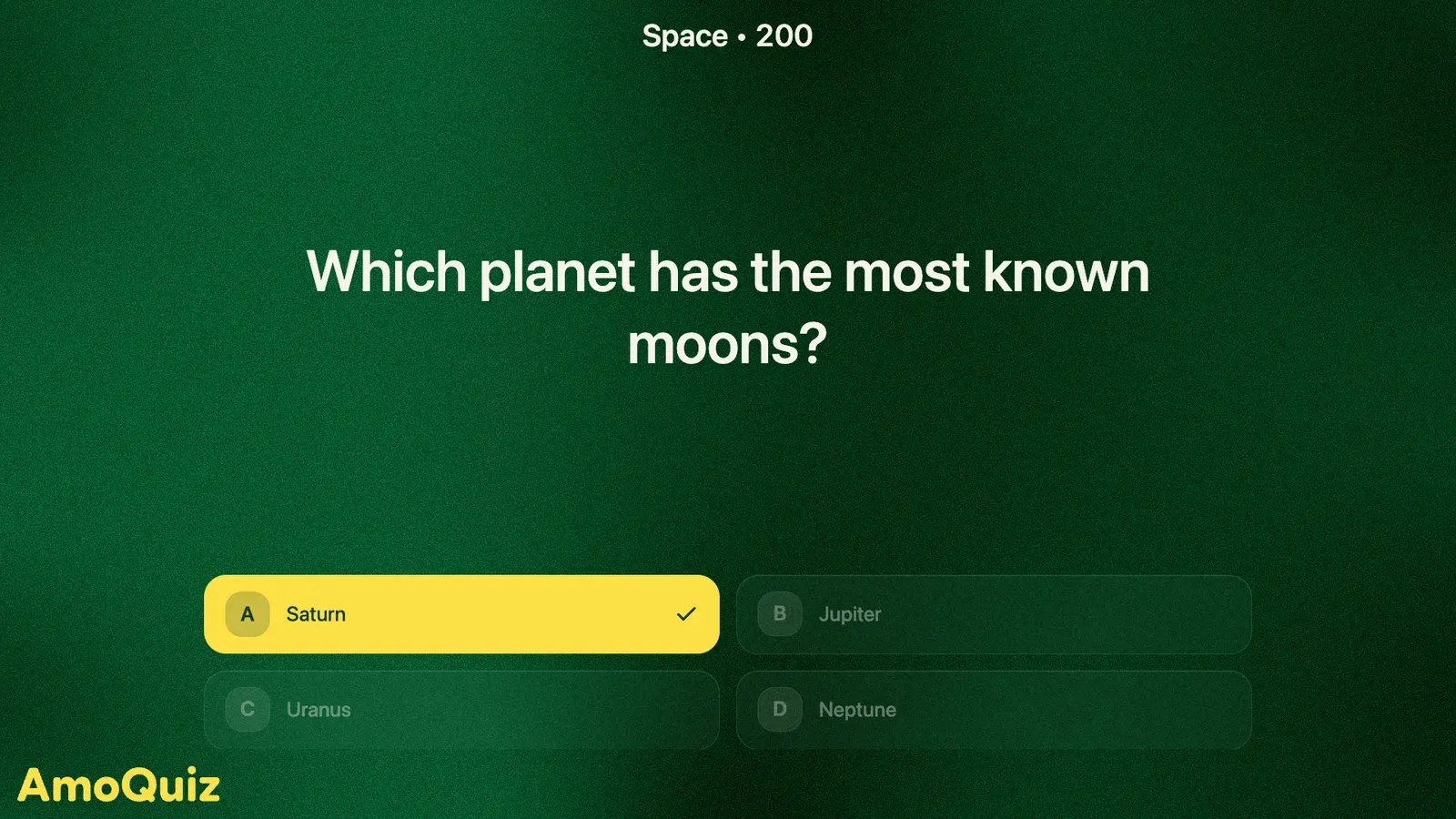
Classroom
AmoQuiz Desktop
No internet at the venue? Play anyway.
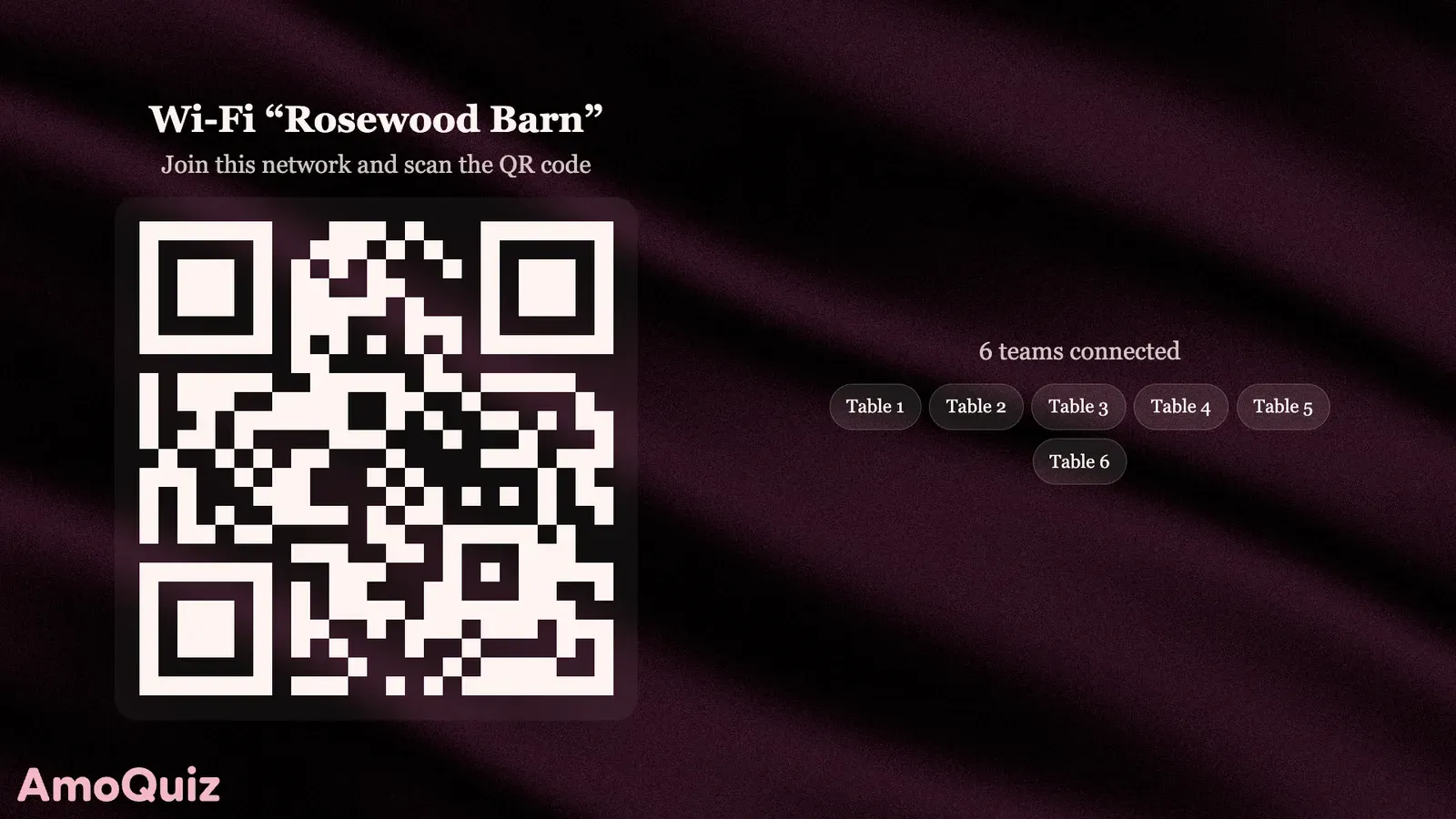
Barns, boats, basements and hotel ballrooms: the best parties often have the worst signal. AmoQuiz Desktop for Windows and macOS runs the whole game from your laptop, with every song and picture on board.
- Phones join over local Wi-Fi
- Every file on your laptop
- Online when you want it
Included in the Pro and Business plans.
Features
Everything a quiz night needs
AI writes the questions
Give it a topic and AI drafts questions, a round or a whole game. Keep what you like and edit the rest.
AI checks typed answers
During the game AI marks typed answers right or wrong, typos and all. You always have the final say.
Bring your old quizzes
Upload a quiz in PowerPoint or PDF, and AI turns the slides into a game you can edit, pictures and all.
Pictures, music and video
Use images, songs and clips in questions and answers, and trim the audio right in the editor.
Themes for the big screen
Dress the screen and the phones in a ready-made theme, or make your own with your logo, colours and fonts.
Teams, sign-ups and results
Split players into teams, take sign-ups on an event page, and export the results when the night is over.
Questions, answered
Anything else? Write to us at support@amoquiz.com
Do players need to install an app?
No. Players scan the QR code on the screen or open the join link on their phone, and they are in.
What do I need to host a game?
A laptop with a browser, or AmoQuiz Desktop, and a TV or projector for the game screen. Players bring their own phones.
Can I make a Jeopardy-style game?
Yes. The Grid round is a Jeopardy-style board: categories, points and buzzers, with your own questions. AmoQuiz is not affiliated with the Jeopardy! show.
About the Grid gameCan I use my own music, pictures and videos?
Yes. Upload the songs, photos and clips you want, and trim the songs in the editor. AmoQuiz doesn’t supply any of them, so use files you have the right to play.
About music, pictures and videoDoes it work without internet?
Yes, with AmoQuiz Desktop for Windows and macOS, on the Pro and Business plans. Games and media live on your laptop, and phones join over local Wi-Fi.
About AmoQuiz DesktopCan people play in teams?
Yes. Players can join as teams, and the screen shows team names and scores as the game goes.
Can I use a quiz I already have?
Yes. Import it from PowerPoint or PDF, and AI turns the slides into a game you can edit.
Can I put my own brand on the screen?
Yes. A theme can carry your logo, colours and fonts, so the screen looks like your event.
About themesHow much does it cost?
Games for up to 3 players are free, for as long as you like. Paid plans add more players and features, by the month, by the year or as a 7-day pass for a single event.
See pricingYour next quiz night starts here
Make your first game in minutes, then put it on the big screen.
Already have an account? Sign in