AmoQuiz Desktop
No internet at the venue? Play anyway.
Barns, boats, basements and hotel ballrooms: the best parties often have the worst signal. AmoQuiz Desktop for Windows and macOS runs the whole game from your laptop, with every song and picture on board.
Included in the Pro and Business plans.
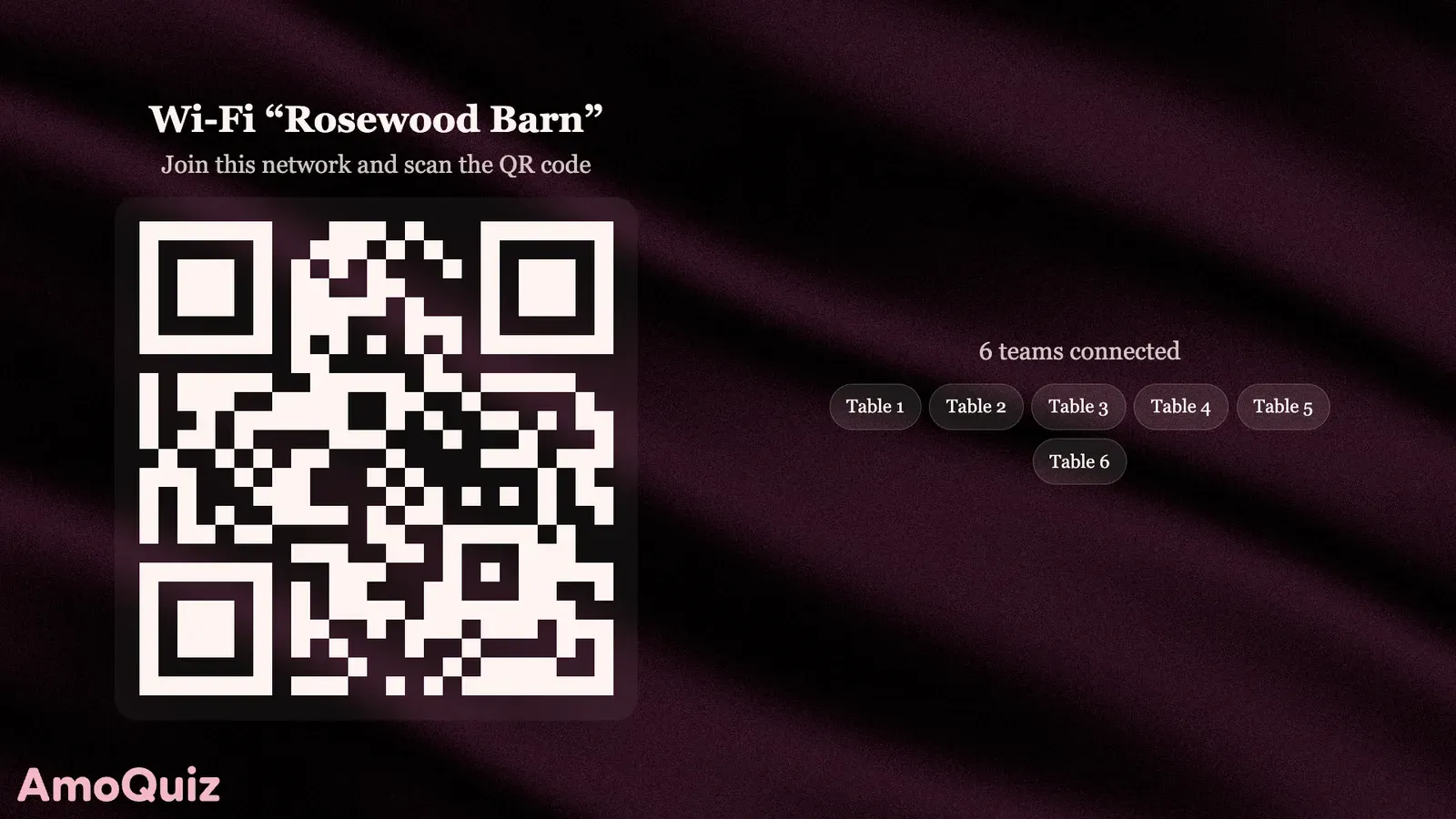

Phones join over local Wi-Fi
Pick Local Wi-Fi when you start the game. Guests join the network your laptop is on, scan the QR code and play in their phone’s browser. No internet needed.
- The screen shows the Wi-Fi’s name and a QR code
- A travel router or a phone hotspot will do
- No app for players to install
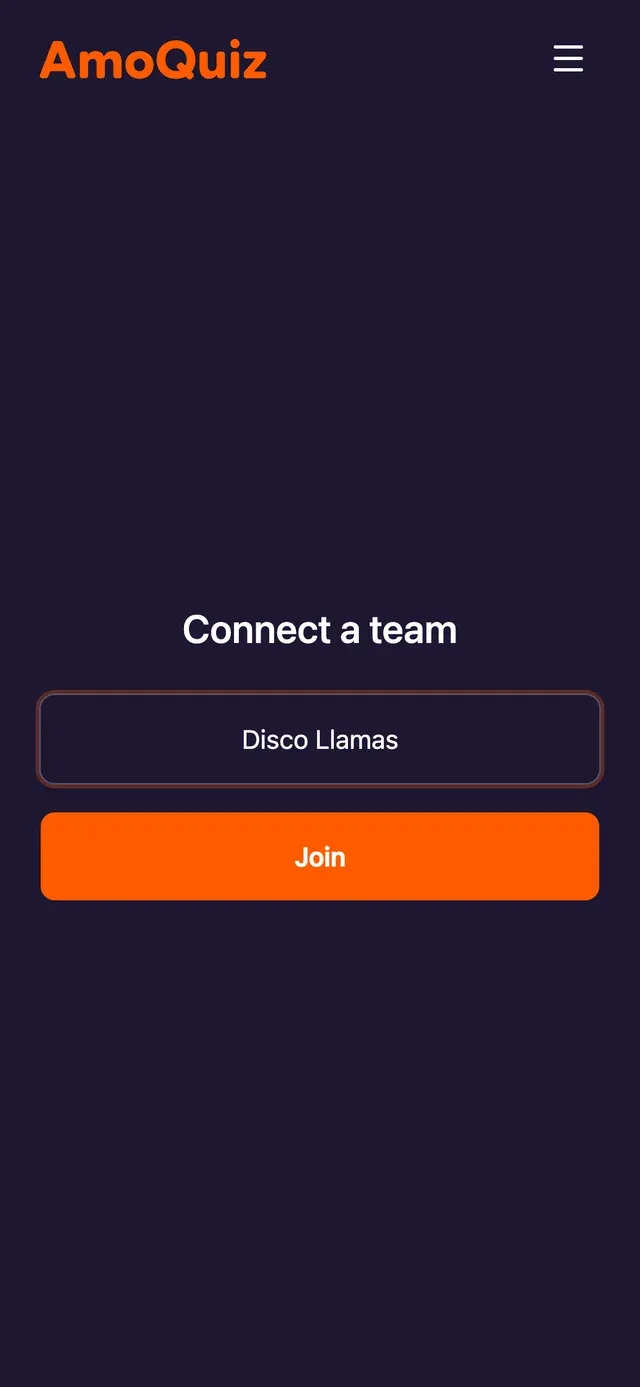
Every file on your laptop
AmoQuiz Desktop keeps your games on your computer, songs, pictures and videos included, so music starts the moment you press play and never buffers on a busy network.
- Nothing to stream during the game
- Edit games without internet
- Changes sync with your account once you’re back online
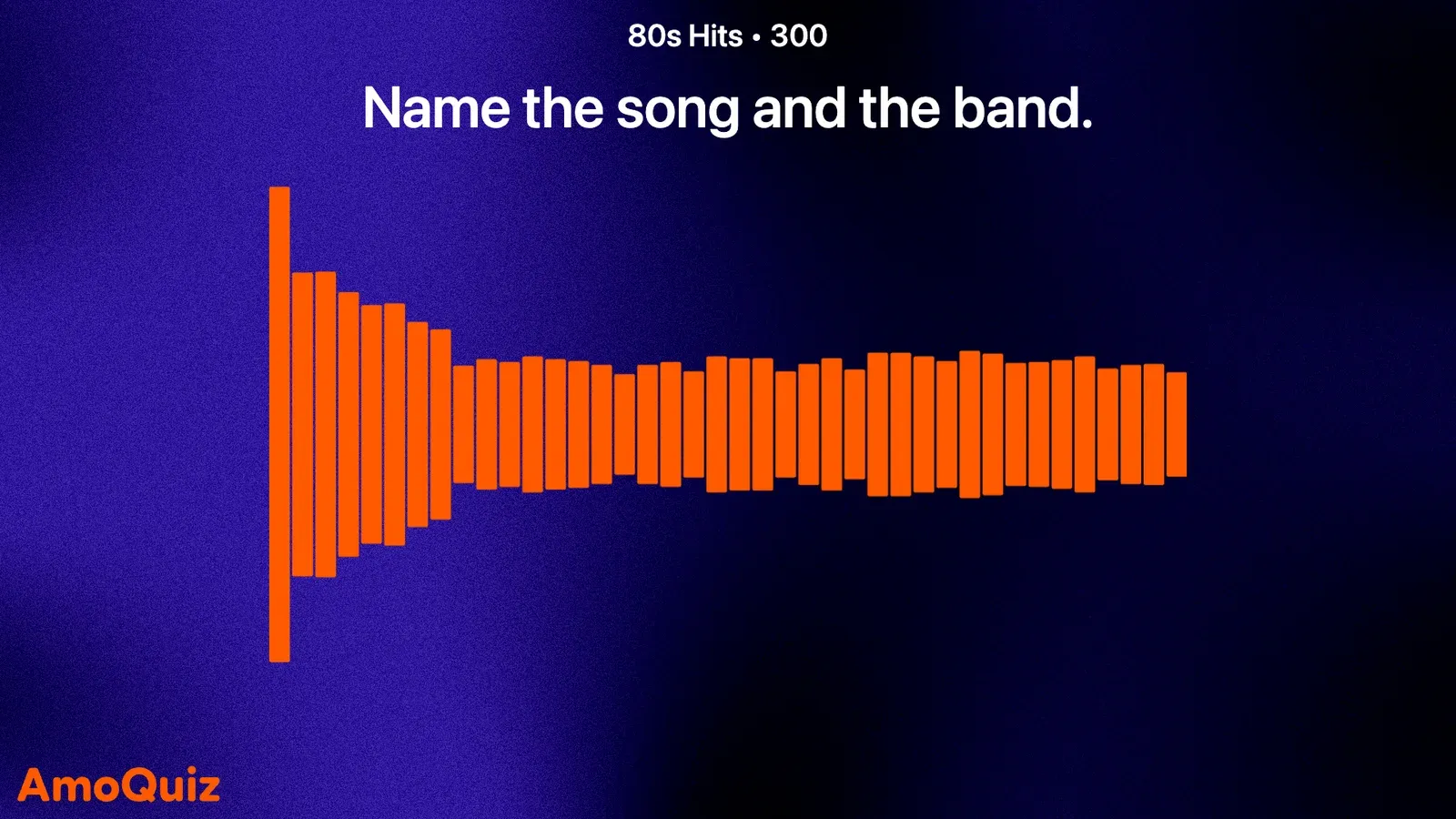
Online when you want it
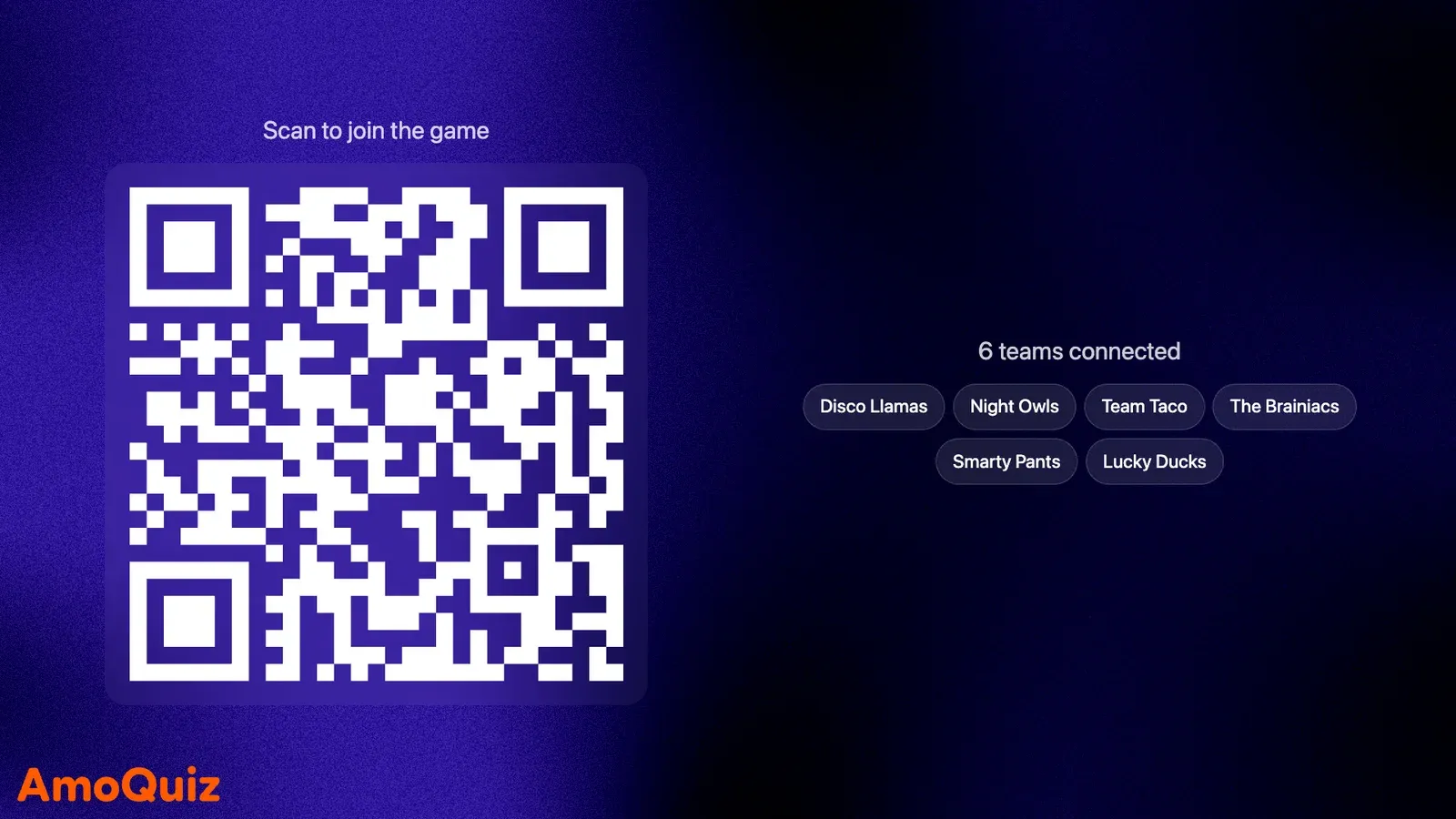
With internet, AmoQuiz Desktop plays online too: guests join by link from any network, AI checks typed answers, and your games stay in sync with the web app.
- Online or Local Wi-Fi, game by game
- AI answer checking when you’re online
- Windows and macOS
Questions, answered
Anything else? Write to us at support@amoquiz.com
Which plans include AmoQuiz Desktop?
Pro and Business, their 7-day passes included. You sign in to the app with your AmoQuiz account.
See pricingWhat do players need?
A phone with a browser, on the same Wi-Fi network as your laptop. If the venue’s Wi-Fi keeps devices apart, a travel router or a phone hotspot works.
Does AI answer checking work offline?
AI checking needs the internet. Offline, you mark typed answers yourself in the host panel, and everything else works as usual.
Keep exploring
Your next quiz night starts here
Make your first game in minutes, then put it on the big screen.
Already have an account? Sign in