Music bingo
Music bingo, with a card on every phone
Add your songs, and every guest gets a different card of song titles on their phone. You play the songs on the big screen, the room listens, and players tap each title they recognise. AmoQuiz keeps the score.
AmoQuiz doesn’t supply music. You bring the songs, and the right to play them at your event.
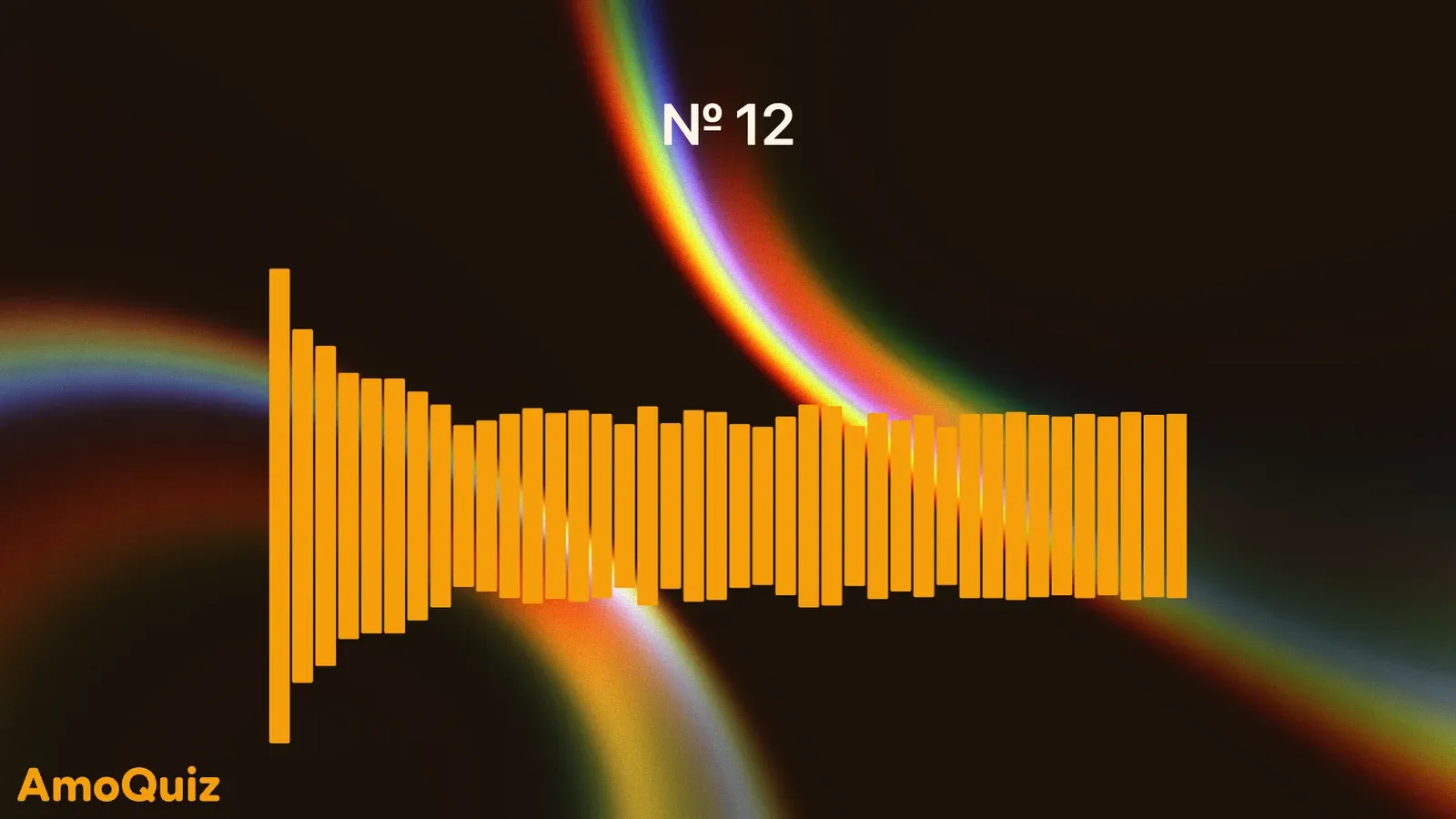
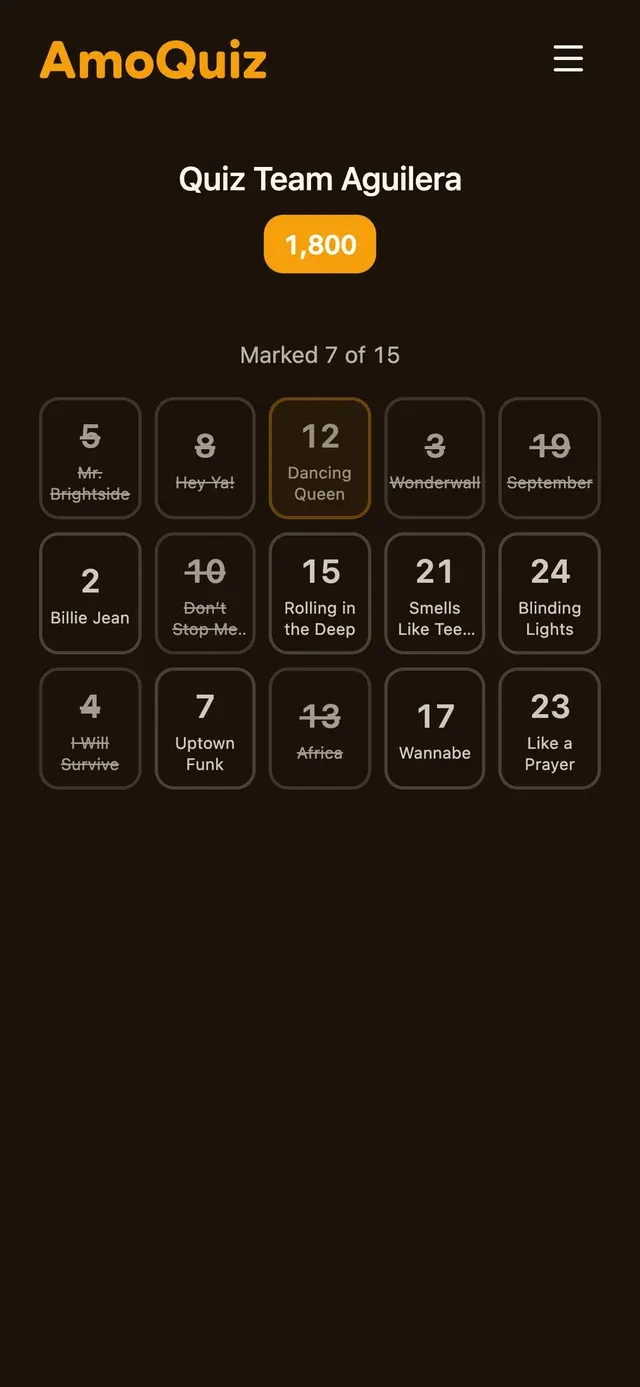
The screen plays the song, not the answer
Start the pick, and AmoQuiz chooses the next song at random, or choose it yourself. While it plays, the screen shows only a count, “№ 12”, so the room has to listen. Reveal the title when you’re ready.
- Random picks, or songs in the order you choose
- The title stays hidden until you reveal it
- Cut each song to the part you want in the editor
Marked on the phone, checked for you
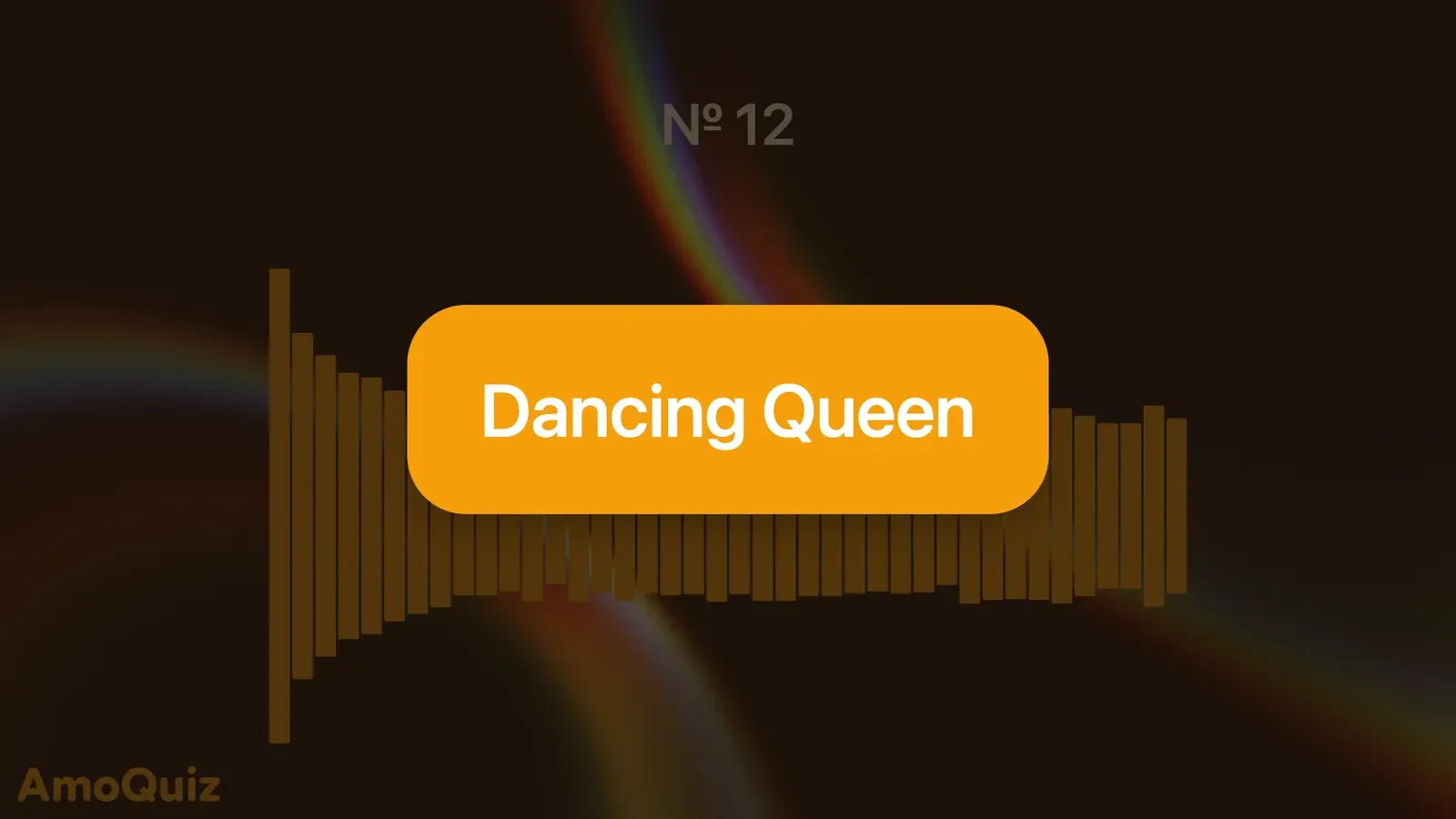
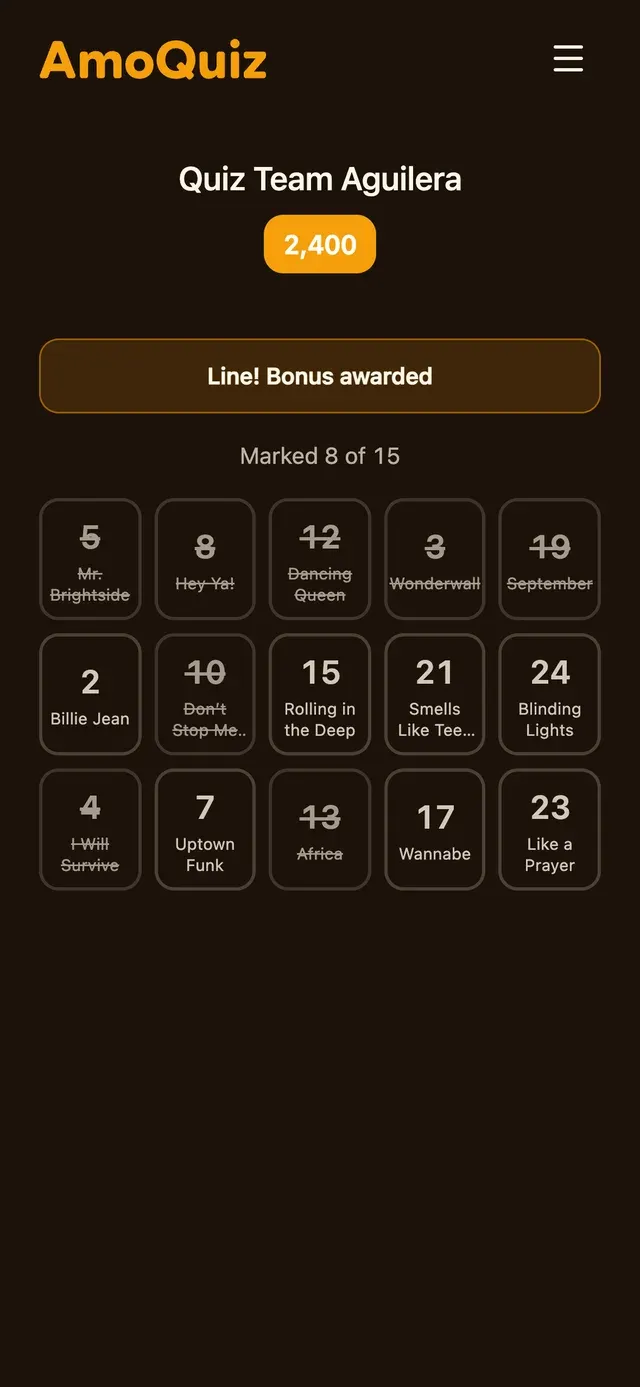
Players tap the songs they recognise. A song that hasn’t played can’t be marked, and one a player missed is marked for them when the next song is picked. Every song marked scores, and a bonus you set for a full row or a full card lands on the phone the moment it’s won.
- Points for every song marked
- Bonuses for a line and a full card
- Choose how many rows and columns a card has
Classic bingo and paper cards
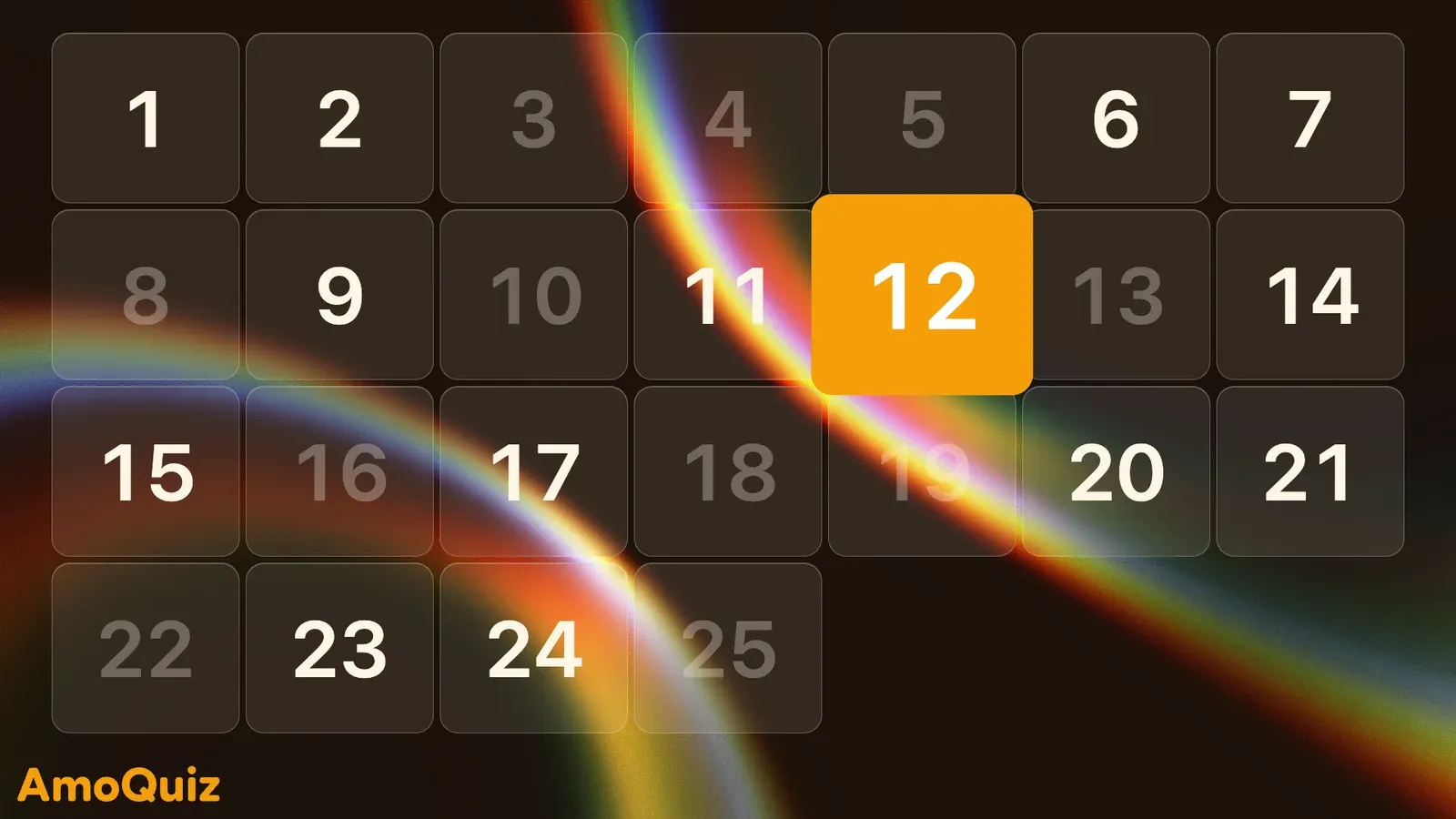
Prefer numbers? Put the numbered board on the screen: the numbers already called fade, and the new one lights up. For guests without a phone, print paper cards from the editor and check those by hand.
- A numbered board for classic bingo
- Paper cards for guests without a phone
- Mix bingo with any other round
Questions, answered
Anything else? Write to us at support@amoquiz.com
Does AmoQuiz come with a music bingo playlist?
No. AmoQuiz doesn’t supply music. You add the songs you want to play, and you make sure you have the right to play them where you host.
How many songs do I need?
At least as many as a card has squares, or the cards come out short. With two or three times as many, every guest gets a different mix of songs.
Can guests without a phone play?
Yes. Print paper cards for them from the editor, and check those by hand when someone calls a line. Cards on phones are checked for you.
Can music bingo be one round of a quiz night?
Yes. Bingo is a round like any other: play it on its own, or between a Grid and a picture round of your trivia night.
Will the music stutter on the venue’s Wi-Fi?
Not with AmoQuiz Desktop: every song is stored on your laptop, so nothing buffers mid-chorus, and the game doesn’t need the internet at all.
About AmoQuiz DesktopKeep exploring
Your next quiz night starts here
Make your first game in minutes, then put it on the big screen.
Already have an account? Sign in